By the nanobanana21.app teamUpdated
GPT Image 2 is OpenAI’s previous-generation image model, and it is the cheapest OpenAI option on this site: 10 credits for a 1K image, against 30 for either GPT Image 2.5 model. You can use it right here, because the generator above is already set to it. Write a prompt and press Generate, or press Reference to attach a picture and edit it instead.
What you give up is speed, not instruction following. In our tests GPT Image 2 took 26 to 95 seconds an image, which is slow next to Seedream 4 or Z-Image Turbo, but it kept the same 15 aspect ratios, the same 1K to 4K tiers and in-image text that came back spelled correctly in every sample on this page. New accounts get 20 free credits, which is two 1K images here.
What GPT Image 2 is good at
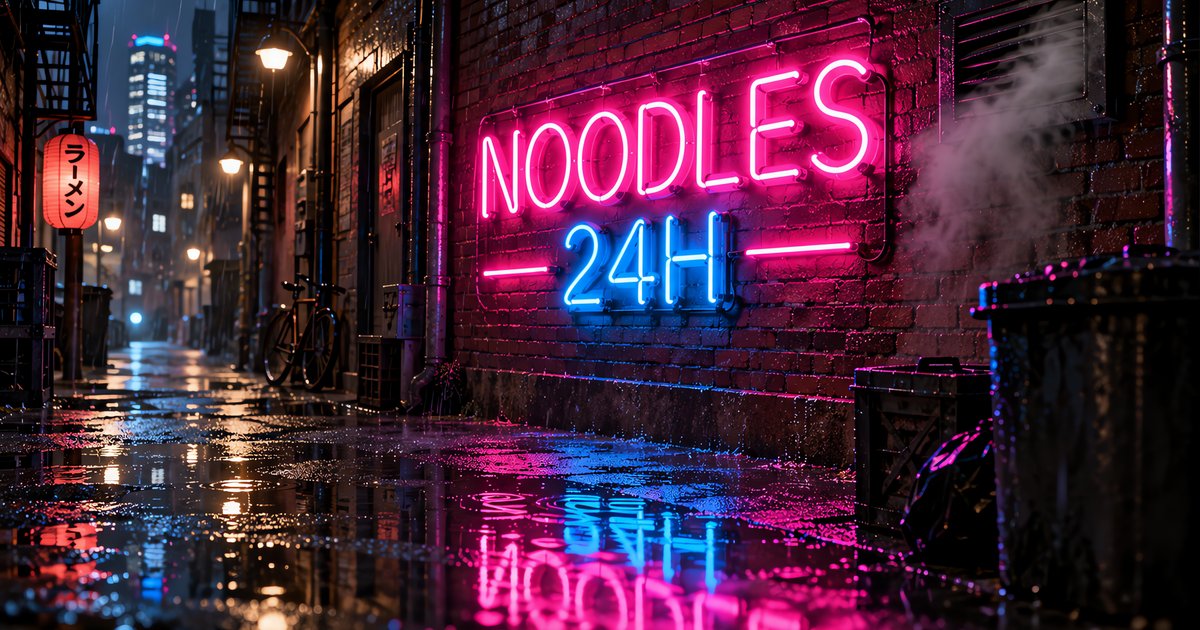
- Signs, posters and labels. The neon alley below reads NOODLES 24H exactly, and the travel poster set ISLA VERDE in clean art deco capitals.
- Following a list of instructions. Ask for five specific objects in a scene and you usually get five, which is why the isometric room sample has the monitors, the keyboard, the plants and the sleeping cat all present.
- Price per finished image. At 10 credits for 1K it is half a Nano Banana 2.1 image and a third of a GPT Image 2.5 one.
- Big outputs cheaply. 4K is 20 credits here, where GPT Image 2.5 charges 75.
- Editing. In our edit test it changed the jacket on an attached figurine image and left the box artwork and the monitor alone.
GPT Image 2 specs on this site
Fixed credits per resolution, so the price does not move with the prompt or the number of references.
| Spec | Value here |
|---|---|
| Vendor | OpenAI |
| Resolutions | 1K, 2K, 4K |
| Credits per image | 10 at 1K, 15 at 2K, 20 at 4K |
| Aspect ratios | 15: 1:1, 4:5, 3:4, 2:3, 9:16, 5:4, 4:3, 3:2, 16:9, 21:9, 2:1, 1:2, 3:1, 1:3, 9:21 |
| Reference images | Up to 15 |
| Image editing | Yes, attach one or more references |
| Speed in our tests | 26 to 95 seconds |
| Best for | Text-heavy images, drafts and bulk work on a budget |
Sample images made with GPT Image 2
All three were made on this site with the model set to GPT Image 2, unedited.
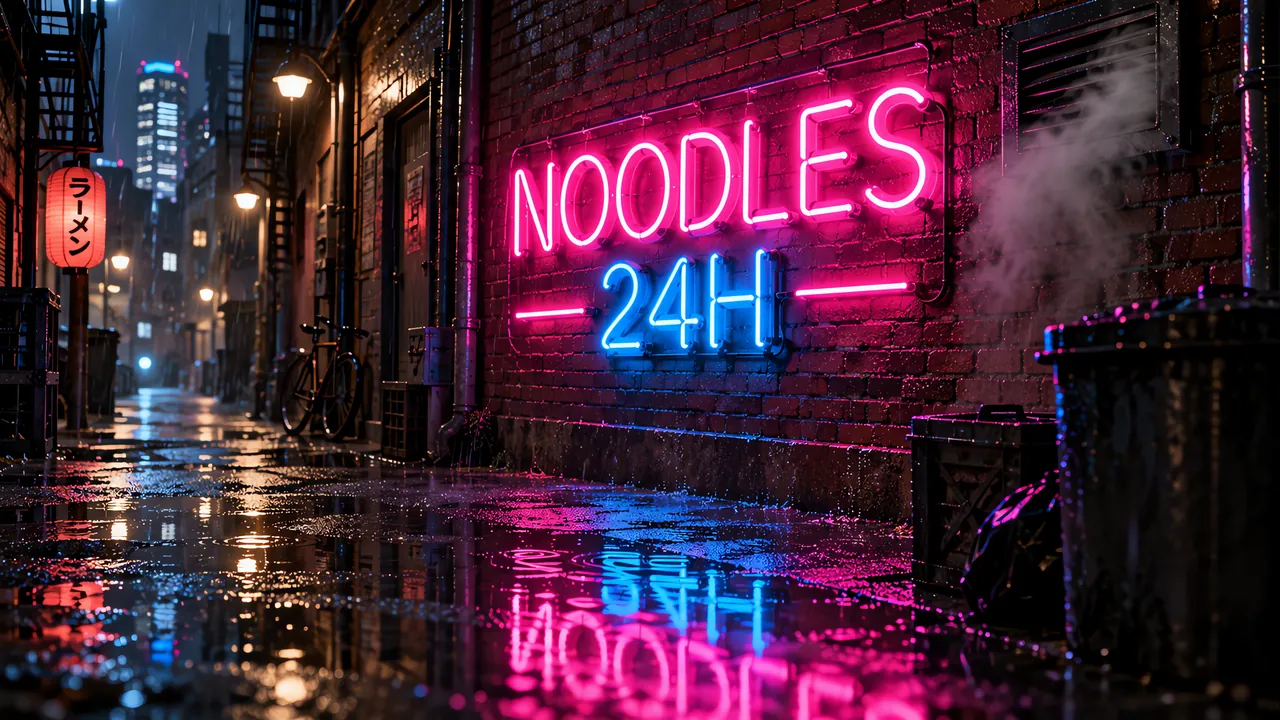
A neon sign on a brick wall in a rainy alley that reads 'NOODLES 24H' in pink and blue glass tubes, reflections in puddles, steam from a vent, night photo, every word spelled exactly as written.
GPT Image 2 · 16:9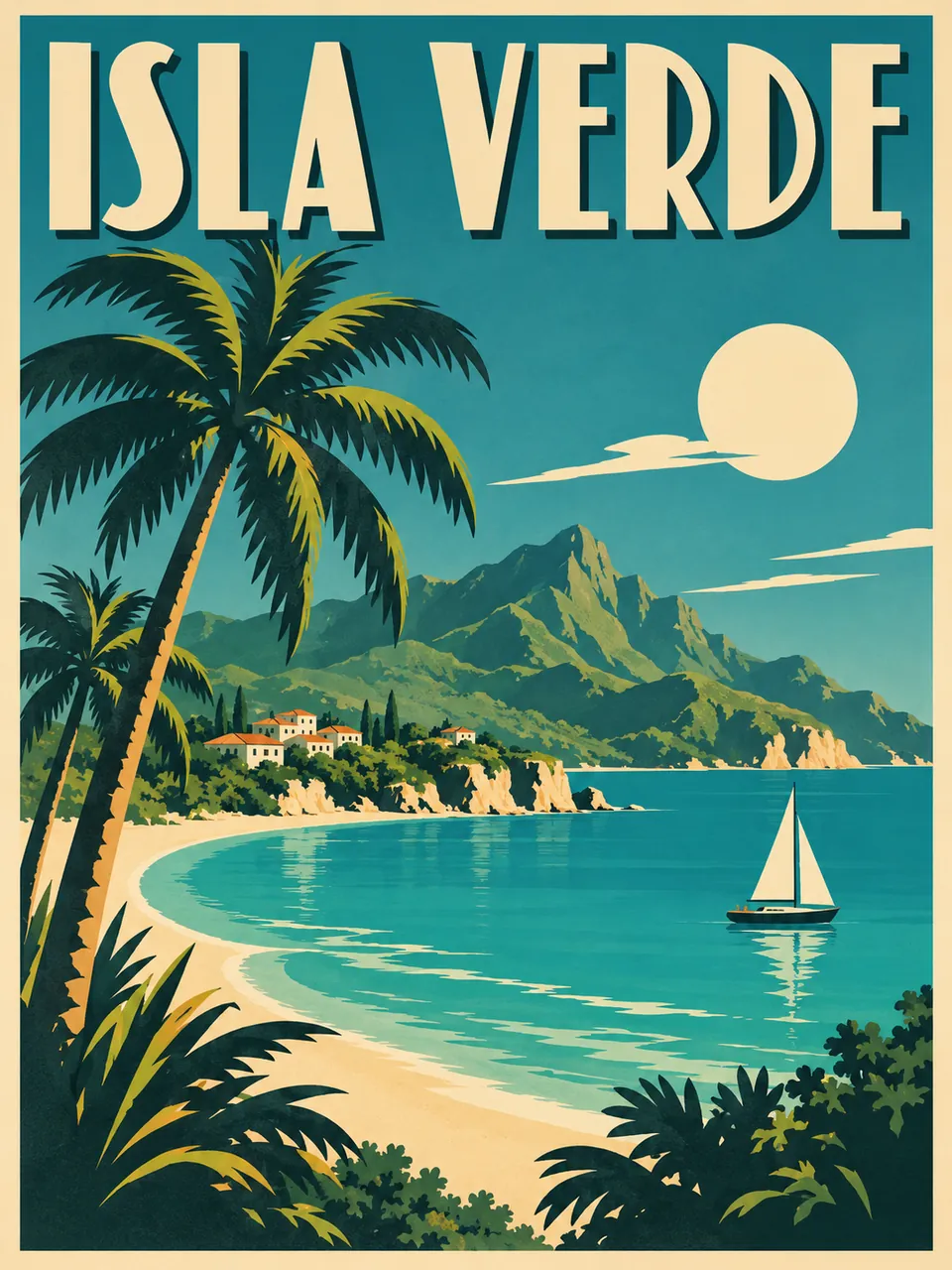
A vintage art deco travel poster for the fictional island of Isla Verde, bold lettering 'ISLA VERDE' at the top, palm trees, a turquoise bay and a small sailboat, limited color palette, every word spelled exactly as written.
GPT Image 2 · 3:4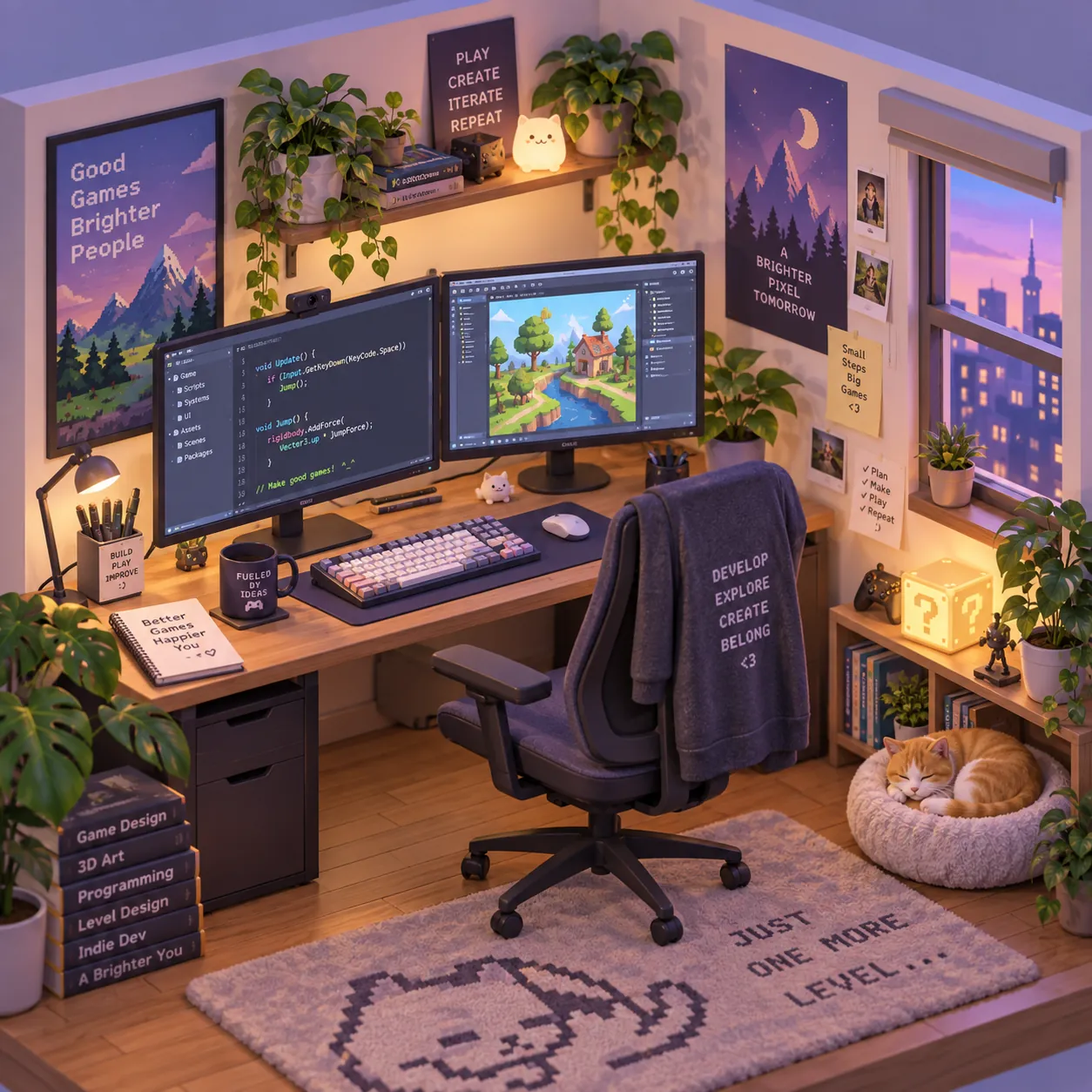
A cute isometric 3D room of a game developer's desk with two monitors, a mechanical keyboard, plants and a sleeping cat, soft pastel lighting, clean render.
GPT Image 2 · 1:1
How to use GPT Image 2 on this page
- Type the prompt above. The model is already selected, so Generate is the only button you need.
- Expect to wait. 26 to 95 seconds in our tests, so queue a prompt and come back rather than watching it.
- Put any text you want in quotation marks and add "every word spelled exactly as written".
- To edit, press Reference and upload the image, then describe only the change. Leave the ratio on auto to keep the input shape.
- Credits are charged once per image and refunded automatically if a job fails or is refused.
20 free credits come with a new account, valid 7 days, which is two 1K images here. Plans and credit packs are on the pricing page.
GPT Image 2 vs Nano Banana 2.1
The same prompt at 4:3 and the same edit instruction, one call each on this site.
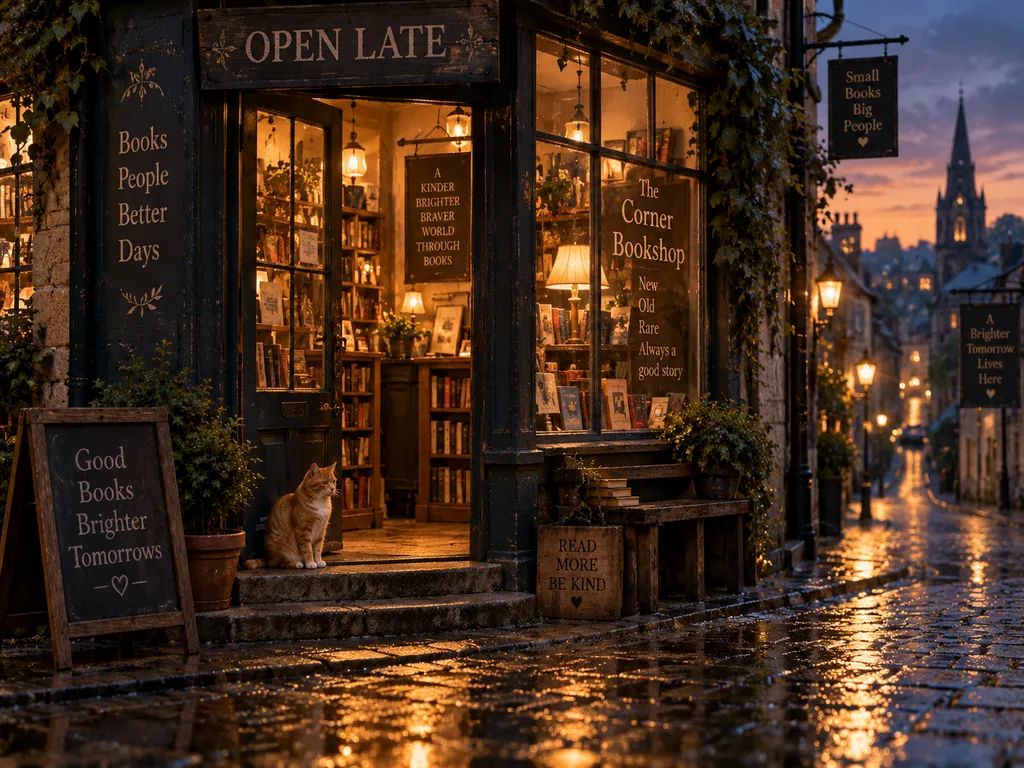
GPT Image 2
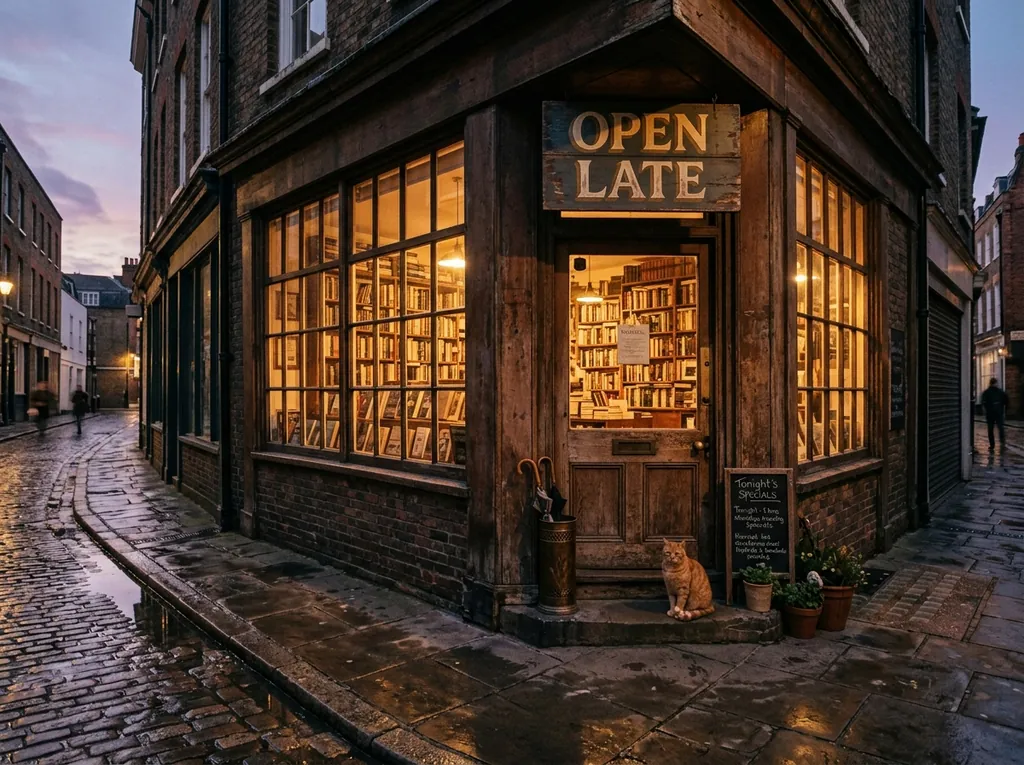
Nano Banana 2.1
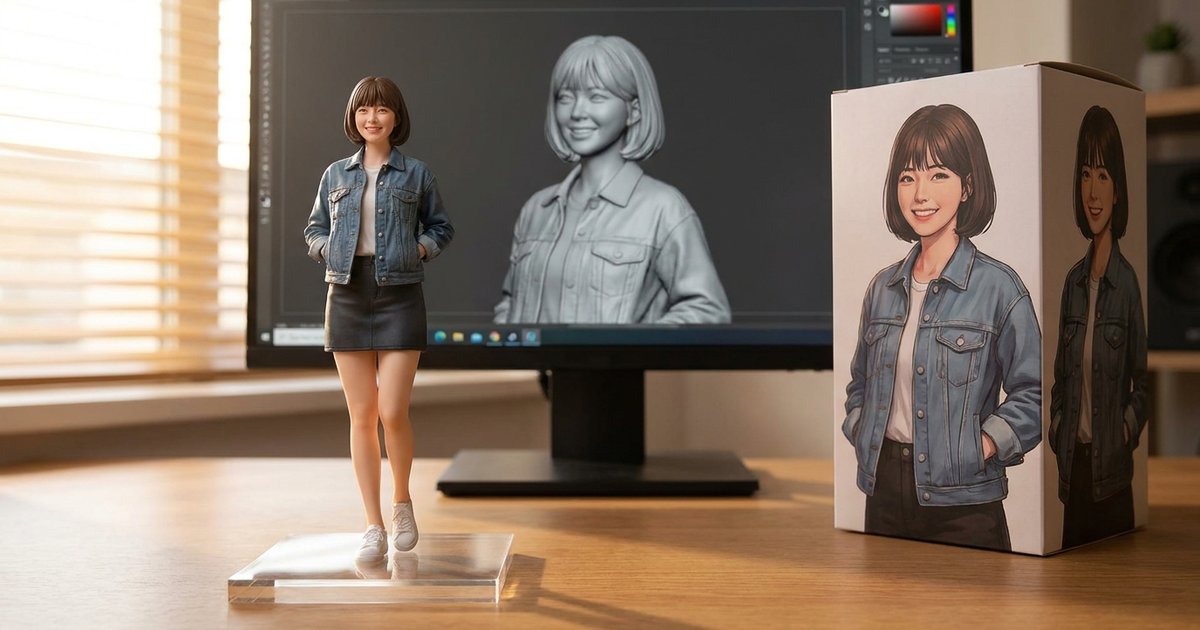
Source
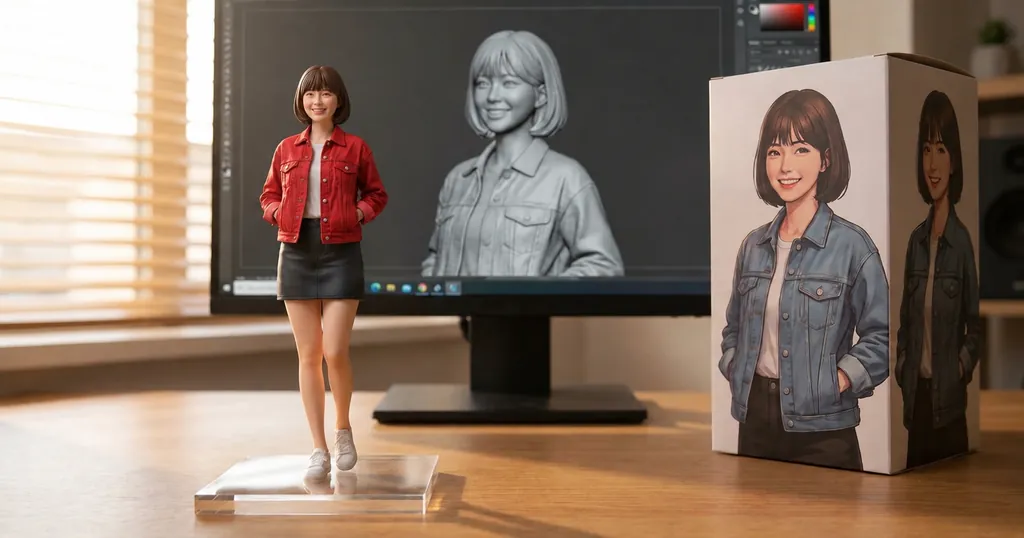
GPT Image 2 result
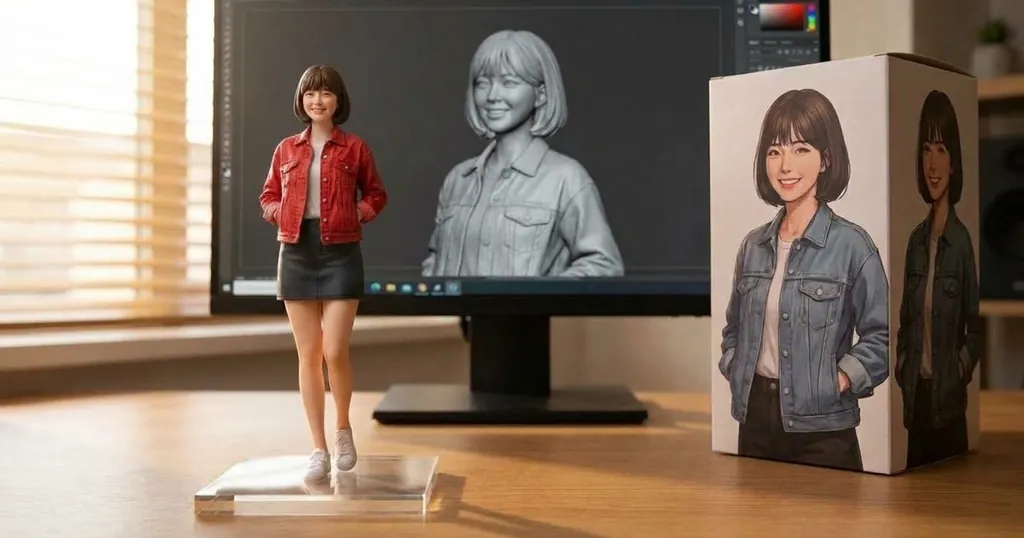
Nano Banana 2.1 result
When to pick GPT Image 2 and when to pick something else
- Pick GPT Image 2 when the picture contains words and the budget is tight. 10 credits at 1K with reliable spelling is the best combination of the two on this site.
- Pick it for 4K on a budget: 20 credits, against 75 for GPT Image 2.5 Flare and 30 for Nano Banana 2.1.
- Pick Flare or Sunburst when you want the newer model’s finish, or when 95 seconds is too long to wait.
- Pick Seedream 4 when speed matters more than text: 15 credits at any tier and 5 to 13 seconds in our tests, including 4K.
- Pick Nano Banana 2.1 (20 credits at 1K, the site default) when you want its particular photographic look, or the figurine and character-consistency work covered by the AI figurine generator.
Prompt tips for GPT Image 2
- Quote the text and demand the spelling. Every text sample on this page used "every word spelled exactly as written" and came back correct.
- Keep the text short. Two or three words on a sign is reliable; a paragraph is not, on any model here.
- Count the things you want. "Two monitors, a mechanical keyboard, plants and a sleeping cat" is followed more faithfully than "a cosy developer setup".
- Name the medium. "Vintage art deco travel poster", "night photo", "clean isometric render" each pull the model into a different rendering style.
- On edits, say what stays. "Keep everything else exactly the same" is the sentence that stops the model redecorating the frame.
- Generate at 1K, finish at 2K or 4K. At 10 credits a draft, exploring is cheap. More patterns in the Nano Banana 2.1 prompts guide.
Independence, trademarks and your images
nanobanana21.app is an independent image studio and is not affiliated with, endorsed by or connected to OpenAI. GPT Image, ChatGPT and the other model names on this page are trademarks of their respective owners, used only to say which model runs a job.
Prompts, uploads and results stay in your private library and are never shown publicly. Images you generate here are yours to use under our terms, including commercial work. The model itself is run by its vendor, so check that vendor’s own usage policy for your particular case, especially for brand assets, likenesses and anything you plan to resell.
FAQ
What is GPT Image 2?
It is OpenAI’s image model that preceded GPT Image 2.5. On this site it is the cheapest OpenAI option: the same 15 aspect ratios and 1K to 4K tiers, at a third of the credit price of the 2.5 models, in exchange for a longer wait.
How much does a GPT Image 2 image cost here?
10 credits at 1K, 15 at 2K and 20 at 4K. The price is fixed per resolution, whether you generate from text or edit an attached image.
Is it free to try?
New accounts get 20 free credits valid for 7 days, which covers two 1K images with GPT Image 2. After that, plans and one-time credit packs are on the pricing page.
How many reference images can I attach?
Up to 15 on this site, matching the vendor limit. Any attached reference switches the job into editing mode.
How slow is it?
In our tests, 26 to 95 seconds an image. The spread was wide even on the same day, so treat it as a range rather than a promise, and use Seedream 4 or Z-Image Turbo when you need an answer in seconds.
Can it edit a photo I upload?
Yes. Press Reference, upload the image and describe only the change. In our test it changed the one clothing item we named and left the rest of the scene, keeping the input aspect ratio.
Is it good at text in images?
It was in our samples: a neon sign, an art deco poster and the comparison bookshop all came back correctly spelled. Keep the text short and put it in quotation marks in the prompt.
Can I use the images commercially?
Images you generate here are yours to use under our terms, including commercial work. The model itself is run by its vendor, so check that vendor’s own usage policy for your particular case, especially for brand assets, likenesses and anything you plan to resell.