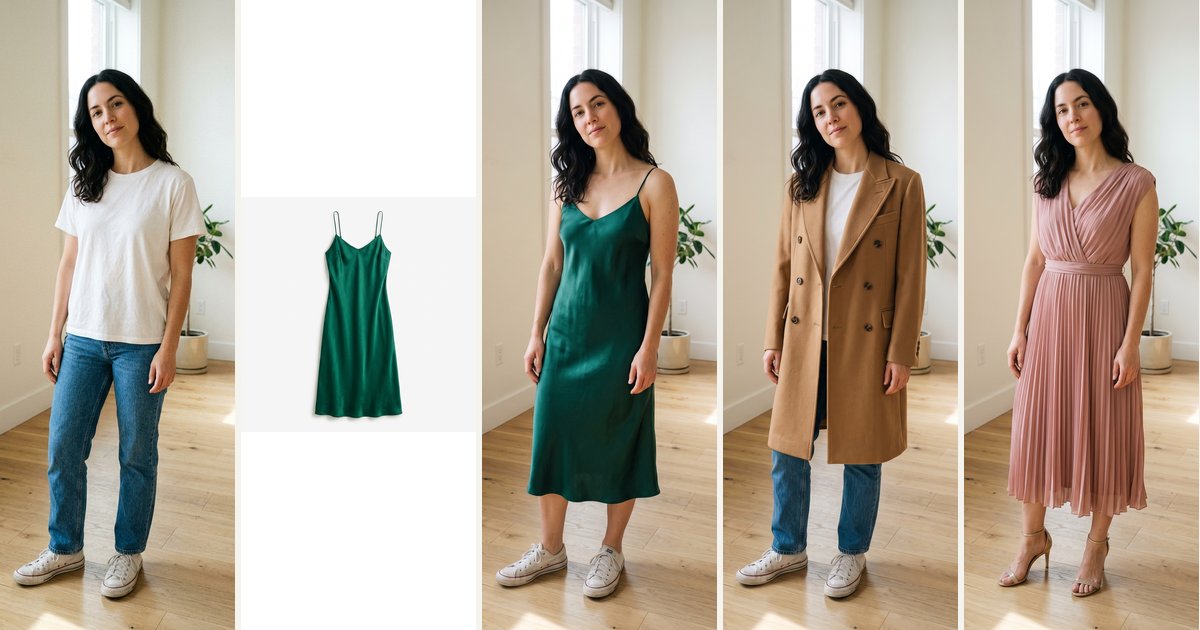
By the nanobanana21.app teamUpdated
Short answer: this AI outfit generator puts clothes on the person in your photo. Upload a photo of yourself and a product photo of an item (a dress, a coat, a suit, from any store page or a flat lay), and it dresses you in that exact item, matching its color, pattern and cut; or skip the product photo and pick an outfit such as a business suit, streetwear or a wedding guest dress. Your face, hair, body shape, pose and background stay the same. It runs on Google's Nano Banana 2.1, returns a 2K image in usually under a minute, and each try-on costs 20 credits. New accounts get 20 free credits, so the first try is free. Downloading full-size images needs any plan or credit pack.
Every example below was made with the same model and the same prompts the presets use, one attempt each, unedited, on AI-generated people and AI-generated product photos.
How do I try on clothes with AI?
Three steps:
- Upload a photo of you. Full body or waist up, standing, in good light, with the area the new clothes will cover visible. A plain background helps.
- Add the clothes. Upload a product photo or a flat lay of the item, and the "Try on my clothes photo" preset is selected for you. No product photo? Pick an outfit instead: Business suit, Smart casual, Streetwear, Wedding guest dress, Summer linen, Winter coat or Athleisure.
- Press Generate. Sign in with Google if needed; your photos and choice are kept and the try-on starts right after. The result appears here and in My images.
Try on a product photo: the exact item, on you
This is what people mean by virtual try-on: you have seen an item online and want to know how it looks on you before you buy. Save the product photo, upload it as the second photo, and the model dresses you in that item, keeping its color, fabric and details.
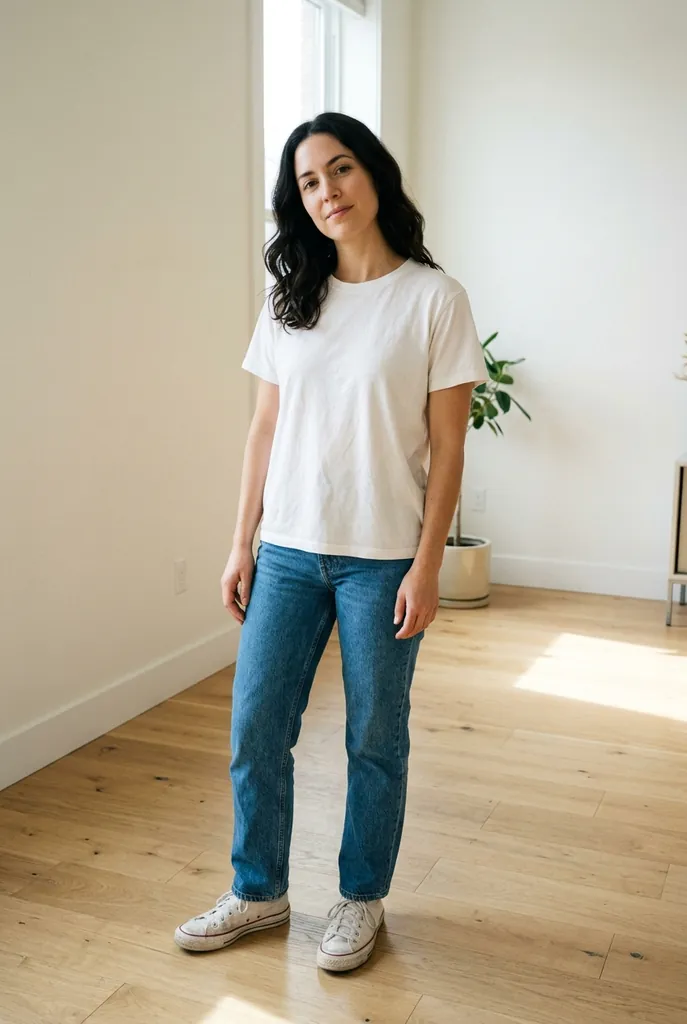
Photo
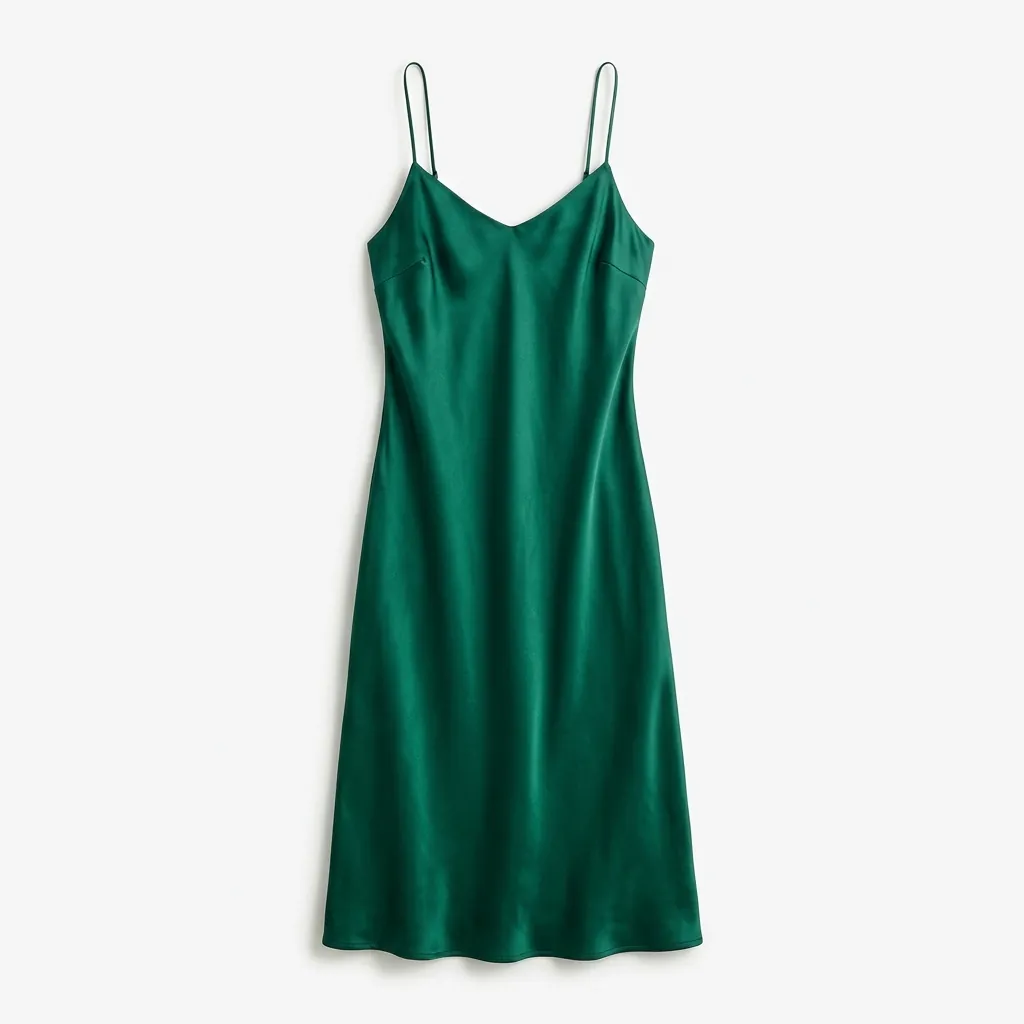
Product photo
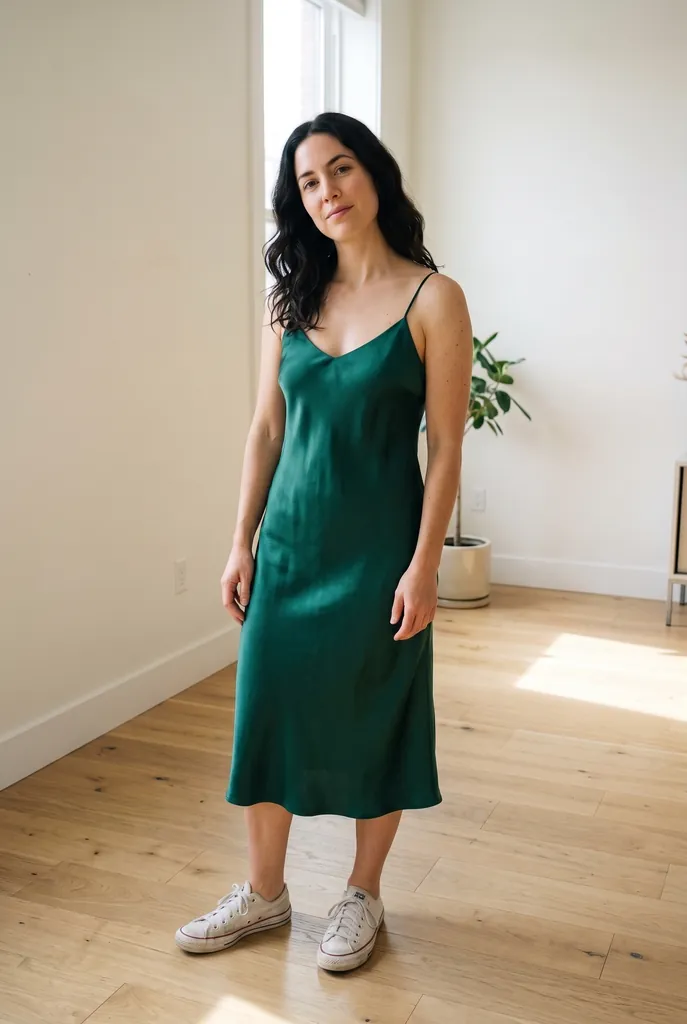
Try-on
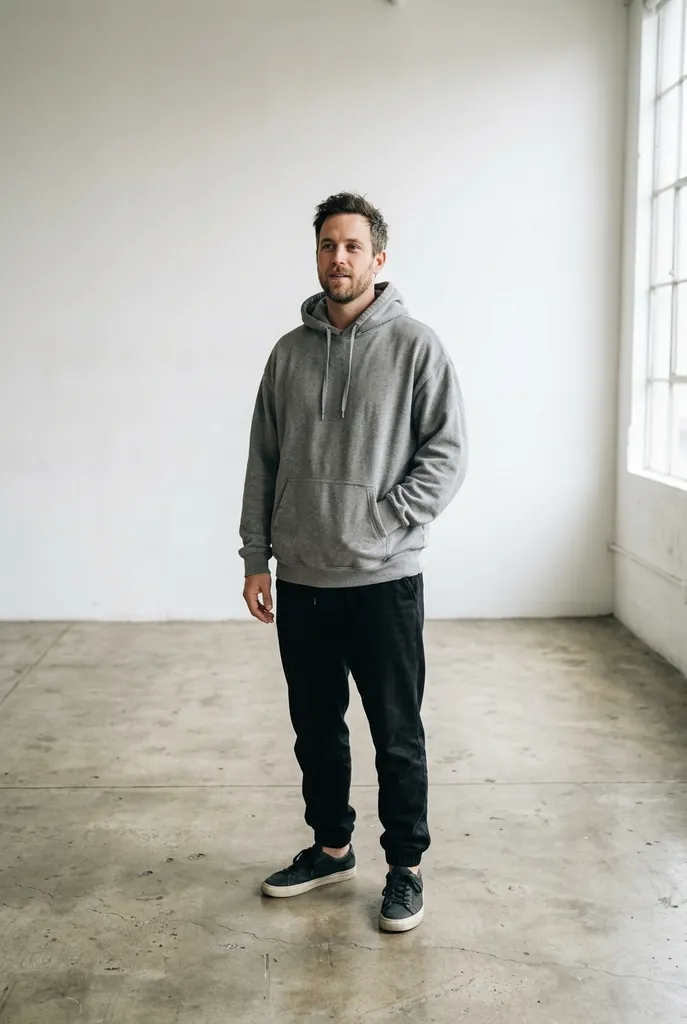
Photo
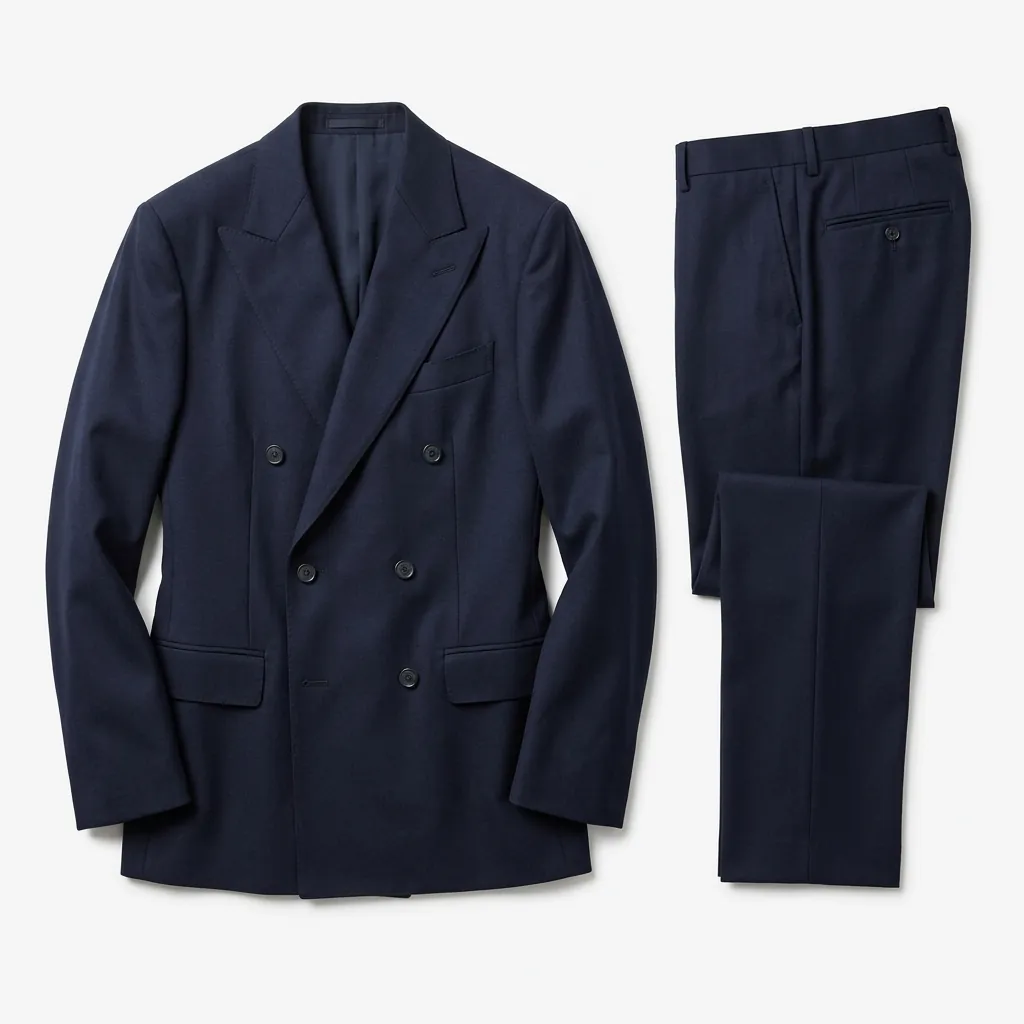
Product photo
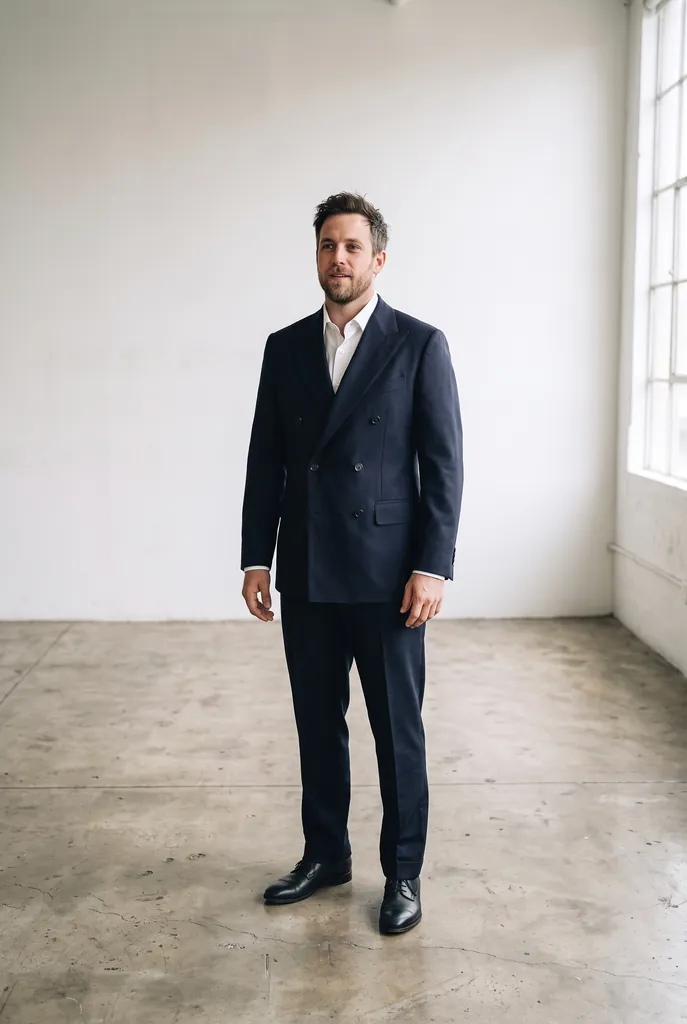
Try-on
The same item on different people
One product photo works for anyone, which is useful for couples shopping together and for online stores that want to show one item on several body types. Here the same camel overcoat goes on both people, sized to each of them.
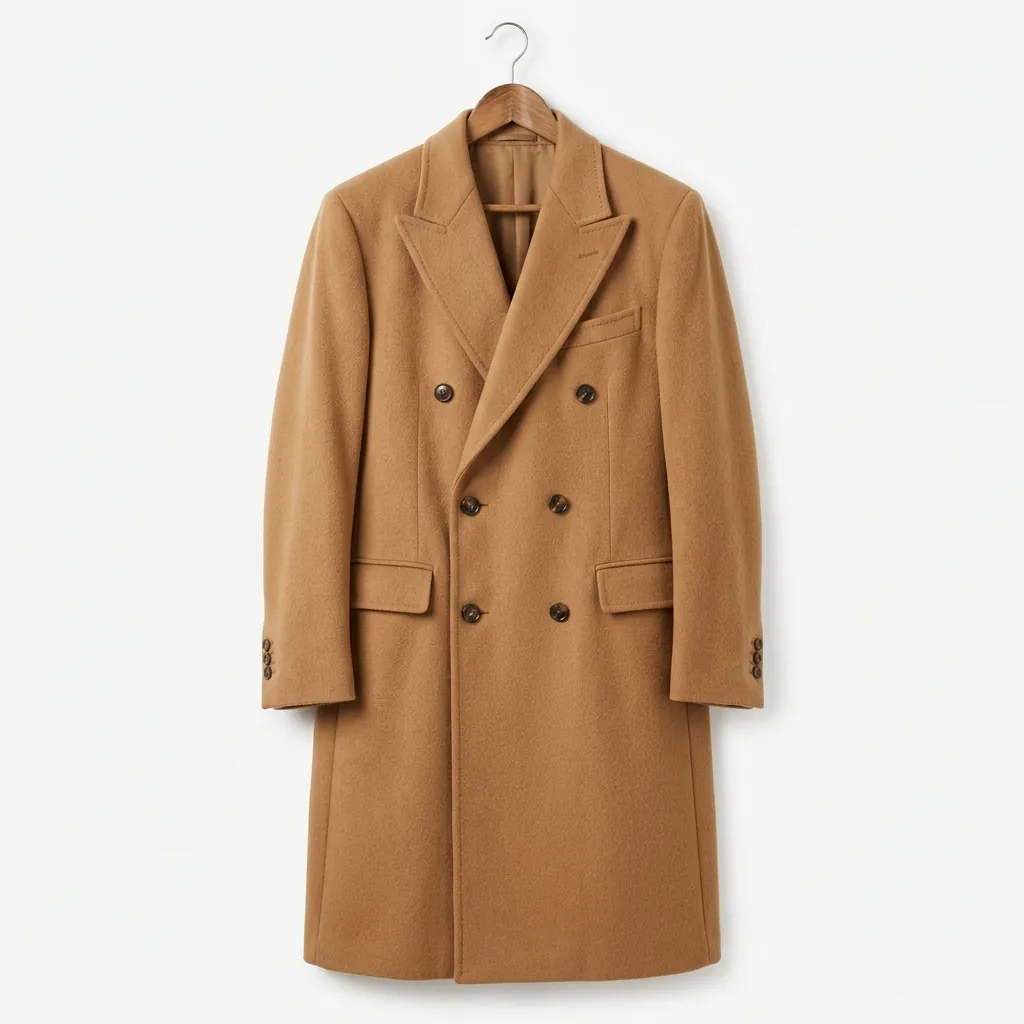
Product photo
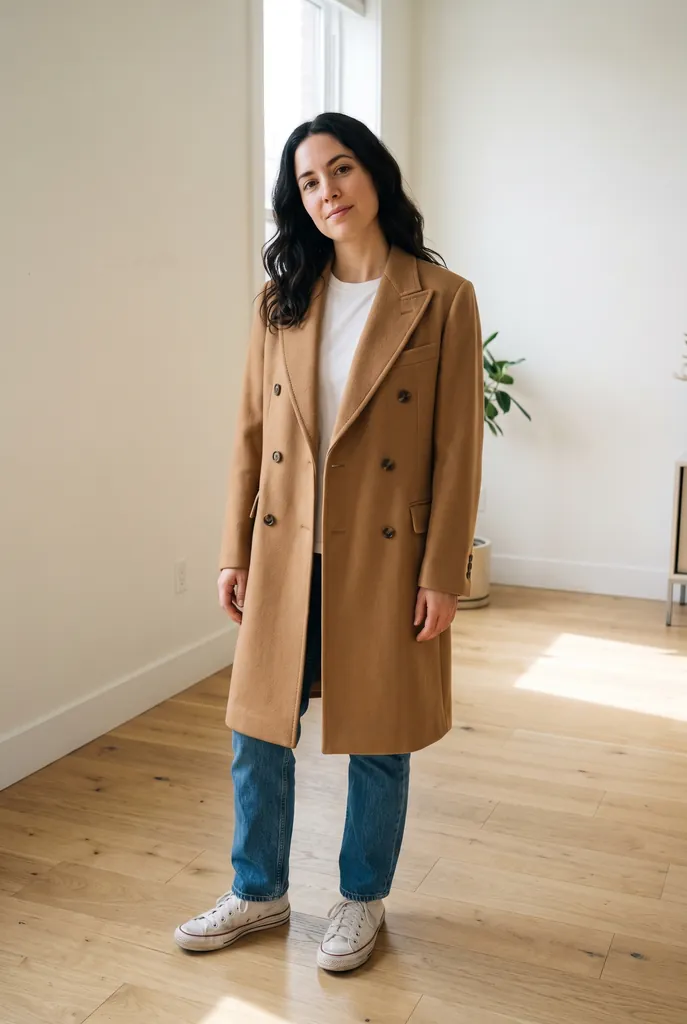
On her
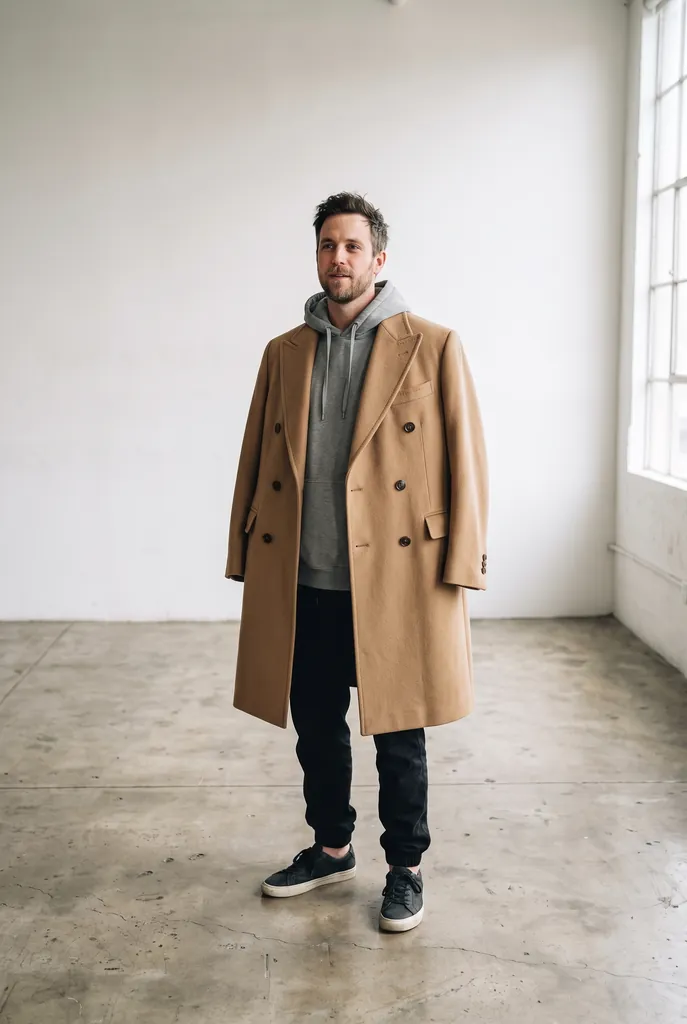
On him
No product photo? Pick an outfit
Not every idea starts with a product page. The outfit presets describe a full look in words, so you can try a style before you shop for it, or plan what to wear to an event.
Photo
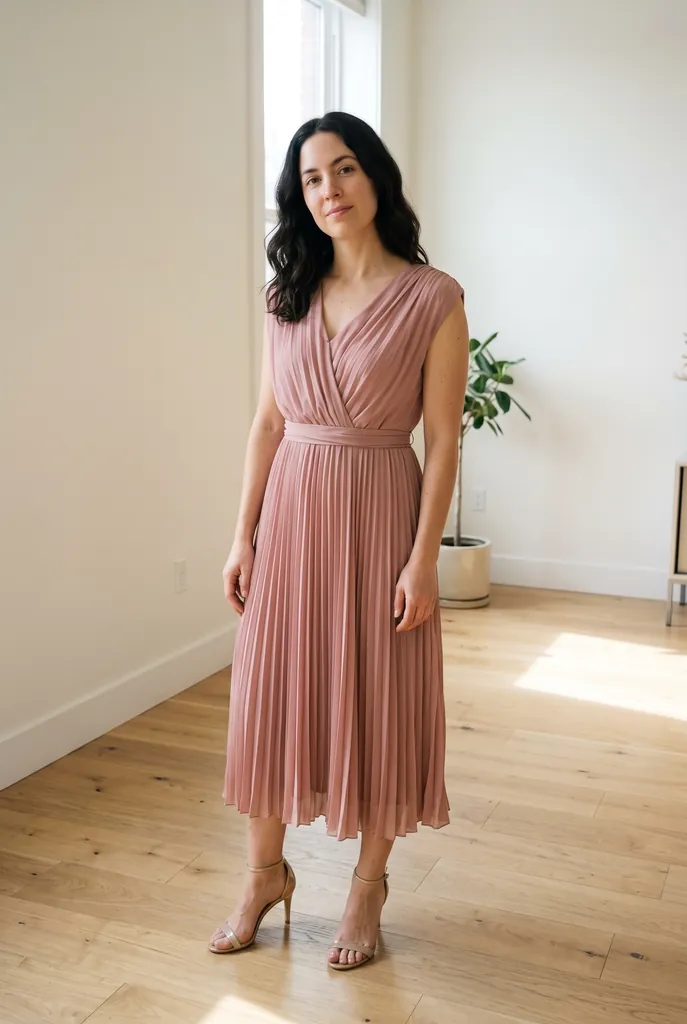
Wedding guest dress
Photo
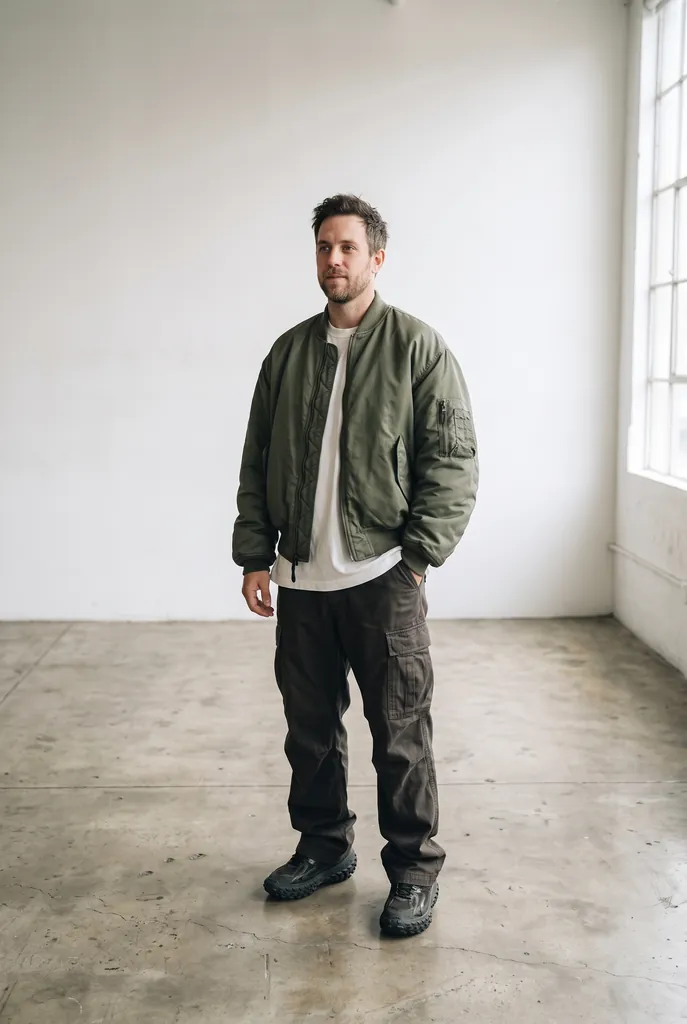
Streetwear
For online stores: clothing on a model without a shoot
If you sell clothing, the same two-photo try-on turns a flat lay or a hanger shot into an on-model image: upload a photo of your model (or an AI-generated one) and the product photo. Use the same model photo for every item and your catalog stays consistent.
Be honest about what a generated image can show. It is good at drape, styling and color; it can soften fine texture, exact stretch and true fit, which are the things behind returns. Keep at least one real photo of the fabric in each listing. Our product photo generator covers white backgrounds and lifestyle shots, and the Amazon and Shopify product photo guide covers marketplace rules. For teams, the Business plan has 15,000 credits a month, about 750 images (pricing).
Does it keep my face and body the same?
Yes, by design: every preset ends with a keep-sentence for the face, identity, skin tone, hairstyle, body shape, pose, background and light. The examples show it: same faces, same stance, same room. The model fits the clothes to you, not you to the clothes.
For the best result:
- Stand facing the camera with arms slightly away from the body, so the model can see your shape.
- Show the part of the body the item covers: full body for dresses, coats and trousers; waist up is fine for tops.
- Use a product photo where the whole item is visible, flat or on a hanger, on a plain background, with no other person in it.
- If a detail is off (a pattern, a button), generate again; each image is a new attempt.
Is the AI outfit generator free?
Your first try-on is free: new accounts get 20 free credits (valid 7 days), which is one image at 2K. After that each try-on is 20 credits. There is no unlimited free tier, because every image is a real render on Google's model and costs money each time.
Free options exist elsewhere with limits, such as store apps that only work with their own catalog, or general AI chat apps with daily caps where you write the prompt yourself. Here you can try any item from any store, keep your face and body, and get 2K output in a private library.
How much does it cost?
One try-on is 20 credits, with or without a product photo. On a monthly plan that works out at about $0.13 to $0.20 per image: Starter is $9.90 for 1,000 credits (about 50 try-ons), and yearly plans go lower. One-time credit packs never expire, and the first pack is half price. Failed or refused images are refunded automatically. See pricing.
Privacy and safety
Use photos of yourself, or of adults who agreed, such as a model you hired. Photos of minors and of people who did not consent are not allowed, and the safety filter may refuse lingerie, swimwear and other revealing items; a refused image is refunded automatically. Uploads and results are private to your account. Use product photos you have the right to use. Every image from Google's models carries an invisible SynthID watermark. nanobanana21.app is an independent site, not affiliated with Google.
FAQ
How can I try on clothes virtually?
Upload a full-body photo of yourself on this page, then upload a product photo of the item. The "Try on my clothes photo" preset dresses you in that exact item, keeping your face, body and background. You can also pick an outfit preset instead of a product photo.
Can I try on clothes from any online store?
Yes. Save the product image from the store page (a flat lay or the item on a hanger works best) and upload it as the second photo. It works with any store, not only one catalog.
Is there a free AI outfit generator?
Your first try-on here is free: new accounts get 20 free credits, enough for one 2K image. After that each try-on costs 20 credits.
Will the clothes look exactly like the product?
Color, pattern, cut and visible details usually come through closely. Fine texture, stretch and exact fit are approximations, so treat the result as a preview, not a size guide.
Does it change my face or body?
It should not. Every preset tells the model to keep your face, skin tone, hairstyle, body shape, pose, background and lighting the same.
Can I use it for my clothing store?
Yes. Upload a model photo and your product photo to make on-model images, and use the same model photo for every item. Downloads and commercial use come with any plan or credit pack; the Business plan suits teams.
Why was my try-on refused?
The safety filter blocks some requests, often lingerie, swimwear, revealing items or photos of minors. A refused image costs nothing: the credits go back automatically.