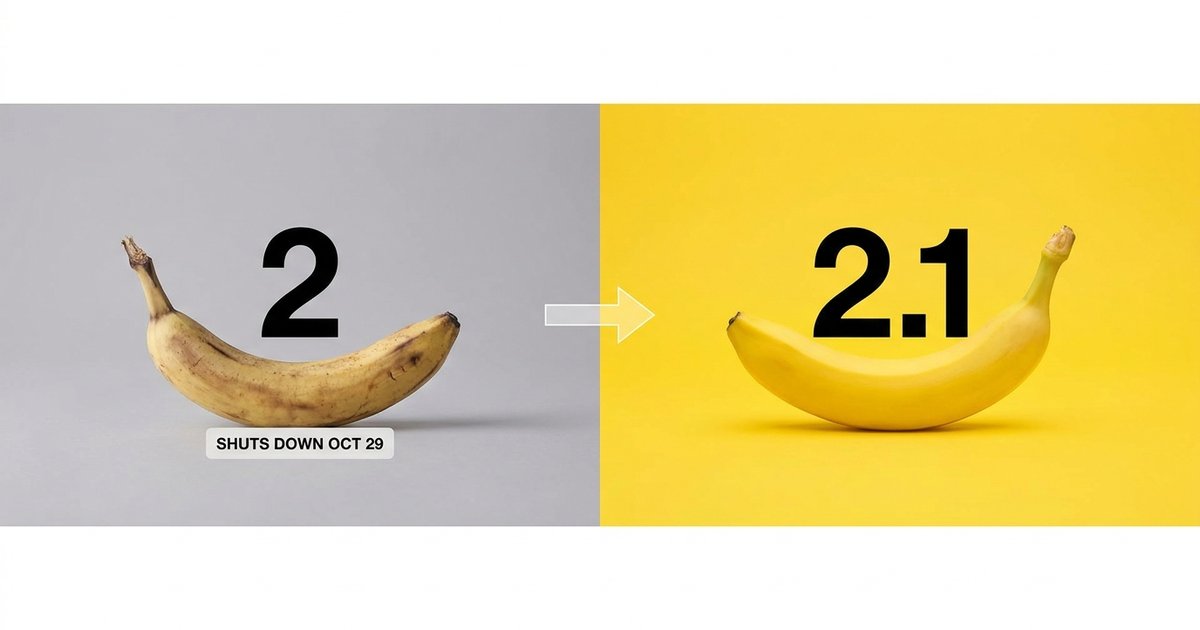
If you are running Nano Banana 2 today, nano banana 2.1 vs nano banana 2 has a short answer: switch, and switch before the end of October. Nano Banana 2.1 (gemini-nano-banana-2.1) was released on 2026-10-06 and Nano Banana 2 (gemini-3.1-flash-image) is deprecated with a shutdown date of 2026-10-29. At 1K, 2.1 lists at $0.0336 per image against $0.067 for Nano Banana 2, so the newer model is roughly half the price, and it adds mask-based editing, stronger subject consistency and panoramic aspect ratios on top.
The one thing you can actually lose in the move is the 512 pixel output tier, which Nano Banana 2 offered and 2.1 does not. Everything else is an upgrade or a wash. This page lines the two models up on published specs, then gives you the migration checklist and the few cases where a prompt that worked on Nano Banana 2 will come back looking different.
Nothing here is a benchmark: as of 2026-10-06 nobody outside Google has evaluated 2.1, so quality claims below are Google's own and are labeled that way. If you would rather judge with your eyes than with a table, pick Nano Banana 2.1 or Nano Banana 2 in the generator on this page and run the same prompt twice. nanobanana21.app is an independent site and is not affiliated with Google.
Nano banana 2.1 vs nano banana 2: the spec table
Everything Google has published about the two models, side by side, as of 2026-10-06:
Three rows do most of the work. The status row is the deadline. The resolution row is the only place you can regress, because the 512 pixel tier is gone. The price row is the reason nobody should be sad about any of this: the replacement is cheaper than the model it replaces, which is unusual.
Everything else is additive. Mask-based editing, thinking levels and image-search grounding are features 2.1 brought with it, so there is no capability you give up by moving except that one resolution tier.
| Nano Banana 2.1 | Nano Banana 2 | |
|---|---|---|
| API model id | gemini-nano-banana-2.1 | gemini-3.1-flash-image |
| Status | Released and generally available 2026-10-06 | Deprecated, shuts down 2026-10-29 |
| Gemini lineage | Update to Nano Banana 2, Flash tier | Gemini 3.1 Flash Image |
| Output resolutions | 1K, 2K, 4K | 512 pixels, 1K, 2K, 4K |
| Reference images | Up to 14 (10 objects, 4 characters) | Up to 14 |
| Panoramic ratios 1:4, 4:1, 1:8, 8:1 | Yes, listed at 2K and 4K | Not listed by Google, accepted at 1K in our own runs |
| Thinking levels | minimal, medium (default), high | Not stated |
| Search grounding | Google Search, now including Google Image Search | Google Search, without Image Search |
| Mask-based editing | Yes, one of the three headline gains | Not stated |
| Price per image at 1K | $0.0336 | $0.067 |
| Price per image at 2K and 4K | $0.0504 and $0.0756 | Not published on this page |
| Batch mode | 50 percent off list | Not published on this page |
| Watermark | SynthID on every output | SynthID on every output |
What actually changed in 2.1
Google describes 2.1 as beating its previous image models across the board, and singles out three areas. These are Google's claims, not measured results:
- Visual design. The biggest single leap in Google's description: layout, composition and the look of designed images rather than photographs.
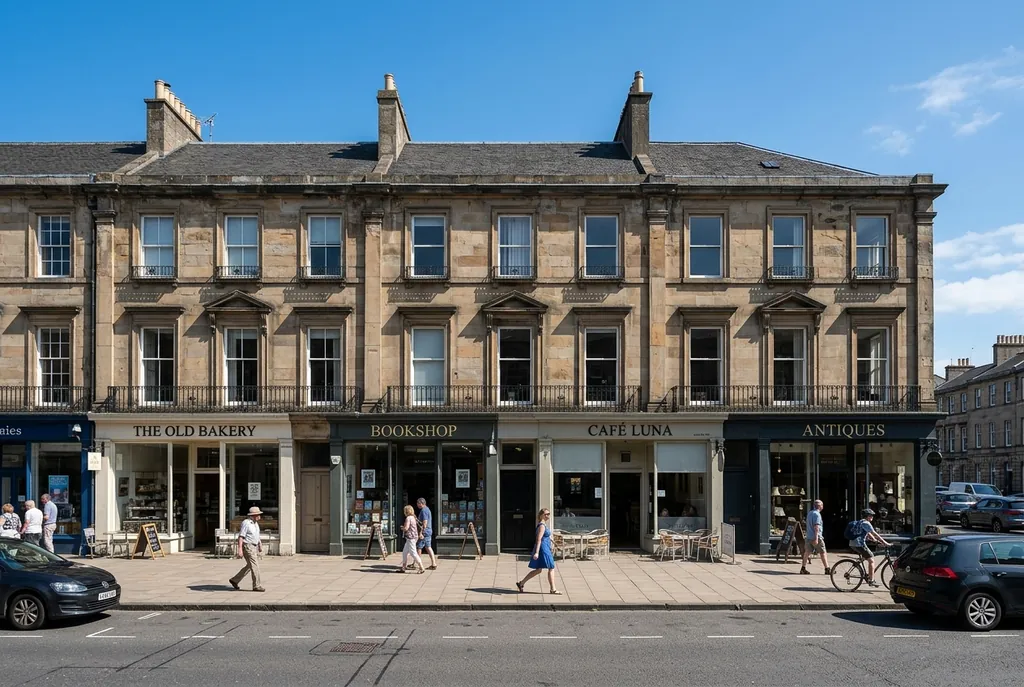
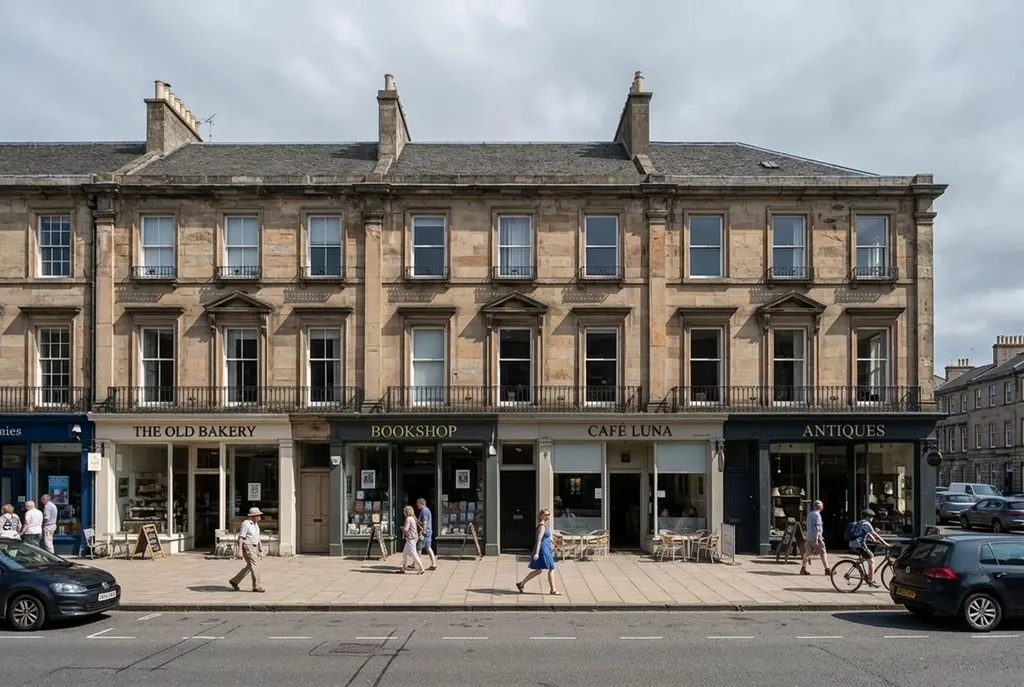
- Mask-based editing. Change only a selected region instead of regenerating the frame. On Nano Banana 2 a retouch was a bet on everything else in the picture staying put.
- Subject consistency. A face or a product keeps its identity across edits and across a series, which is the difference between one usable image and a campaign.
The developer notes add better text rendering for infographics and marketing assets, better prompt adherence and better multi-turn character consistency.
The concrete, checkable additions:
- Panoramic and extreme ratios 1:4, 4:1, 1:8 and 8:1 at 2K and 4K, in one pass instead of tiling.
- Three thinking levels: minimal, medium (the default) and high, so a prompt with many conditions can be given more time.
- Search grounding that now includes Google Image Search, so a prompt about a real place or product has pictures behind it and not only text.
- Up to 14 reference images, up to 10 objects and up to 4 characters in one request.
- Prices cut to roughly half at 1K, with batch mode taking another 50 percent off.
And the one subtraction: no 512 pixel output. 1K is the floor now.
Source photo
Edit: only the sky
The 2026-10-29 shutdown of Nano Banana 2
gemini-3.1-flash-image is deprecated. Google has set its shutdown for 2026-10-29 and tells developers to move to gemini-nano-banana-2.1. Deprecated means it still answers today; shut down means the id stops working. There is no published extension and no published grace period, so treat the date as the date.
What that implies depends on where your calls come from:
- Code that pins the model id in a request body or a config file: this is your job, and it is small. See the checklist below.
- Code that reads the model from an environment variable or a settings row: change the value, not the code, and keep a way to flip back until you have re-tested.
- Consumer surfaces, such as the Gemini app or AI Mode in Search: nothing to do. Google swaps the model behind the product.
- Third-party tools and sites that sit on top of the Gemini API: whether they move is their decision, not yours. Ask them if a workflow of yours depends on a specific model.
If you have jobs scheduled around month end, the risky window is the last days of October: a nightly batch that still asks for the old id will start failing rather than silently falling back.
Nano banana 2.1 vs nano banana 2: the migration checklist
Six steps, in the order that saves the most rework:
- Swap the model id. Replace gemini-3.1-flash-image with gemini-nano-banana-2.1 everywhere it appears, including fixtures, tests and any hard-coded string in a worker or a cron script. Grep for the old id rather than trusting your memory of where it lives.
- Drop every 512 pixel request. 2.1 has no 512 tier, so anything asking for it must move to 1K. If you were using 512 for thumbnails, generate at 1K and resize on your side, which is cheaper than it sounds now that 1K costs $0.0336.
- Check your aspect ratios. The familiar list (1:1, 3:2, 2:3, 3:4, 4:3, 4:5, 5:4, 9:16, 16:9, 21:9) carries over, and the panoramic set 1:4, 4:1, 1:8 and 8:1 is listed at 2K and 4K. If you were tiling wide images out of several generations, you can delete that code.
- Re-test your prompts with the same settings, not new ones. Change the model id and nothing else, then compare. If you also change the resolution, the ratio and the thinking level in the same pass, you will not know what caused a difference.
- Decide on a thinking level. Medium is the default. Prompts with many conditions may do better on high; simple high-volume generation can sit on minimal. This is a new dial, so leaving it at the default is a valid choice.
- Re-do your budget. Cost per image at 1K falls from $0.067 to $0.0336, and batch mode halves that again. If you priced a feature on the old number, you now have room, or a reason to render at 2K instead.
Two things worth adding while you are in there: nothing in the request shape changes just because the model did, and every output still carries a SynthID watermark, so any check you run on outputs keeps working. For the request shape itself and copy-paste samples, see the API guide.
What the switch does to your bill
The numbers, per image, with batch mode at 50 percent off list:
- 1K: $0.0336 on 2.1, against $0.067 on Nano Banana 2. Batch takes 2.1 to $0.0168.
- 2K: $0.0504 on 2.1. Batch $0.0252.
- 4K: $0.0756 on 2.1. Batch $0.0378.
Worked out at volume: a thousand images at 1K cost $33.60 on 2.1 and $67 on Nano Banana 2, so the same spend now buys about twice as many images. In batch mode that thousand is $16.80. Ten thousand at 1K is $336, or $168 batched.
The interesting consequence is not the saving, it is the trade you can now make: 2K on 2.1 ($0.0504) costs less than 1K on Nano Banana 2 ($0.067). If you have been drafting at low resolution purely to control cost, the honest move after migrating is to keep drafting at 1K, because it is still the fastest way to find a composition, and spend the difference on re-rendering the keepers larger.
We are not quoting Nano Banana 2 prices at 2K and 4K here, because the only published figure we are working from for that model is the $0.067 at 1K.
When your Nano Banana 2 results will differ
A new model is a new model, so some outputs will change even with an identical prompt. Where to expect it:
- Designed images. Visual design is where Google claims the biggest gain, which also means it is where composition and layout decisions are most likely to come out differently from before.
- Images with text in them. Text rendering improved and is aimed at infographics and marketing assets, so type that was almost right on Nano Banana 2 may land differently, usually better, but differently enough to re-check a template.
- Edits. If your edit prompts never named a region, 2.1 is built for exactly that, and vague edit instructions are the ones most likely to behave in a new way. Naming the region and listing what must not move is the fix, and it helps on both models.
- Anything that relied on a quirk. A prompt tuned around a specific failure mode of Nano Banana 2 is tuned to something that may no longer be there.
What should not change: the request shape, the ratio list you already use, reference-image behavior up to 14 images, and the SynthID watermark on every output.
A practical way to re-test without burning a day: take ten prompts that represent your real traffic, run each once on 2.1 at the same resolution and ratio you use in production, and look for category failures rather than taste differences. If nine of ten are fine and one is a text-heavy layout, you have found a prompt to rewrite, not a reason to stay on a model that stops working on 2026-10-29.
Trying both options in the generator here
Specs stop being useful at some point and you just want to see the same prompt twice. Both Nano Banana 2.1 and Nano Banana 2 are entries in the picker in the generator on this page, so you can keep the prompt, the ratio and the resolution identical and change only the option. That tells you how the choices here behave on your own work, which is a different thing from a benchmark of Google's models, and there is no published benchmark of 2.1 to check it against anyway.
Things that make a self-run comparison useful rather than fun:
- One attempt per option. Best-of-four against one attempt is not a comparison.
- Same aspect ratio and same output size, chosen before you prompt rather than after.
- Prompts from your real work, not showcase prompts. Whatever wins on a neon cyberpunk alley may not win on your product on a white table.
- Edits as well as generations, because edit behavior is what changed most in 2.1.
Account mechanics are the same whichever option you pick: credits pay as you go with credit packs or monthly plans, failed images refunded automatically, and a library private to your account. New accounts get 20 free credits valid for 7 days, which covers one 1K image on the Nano Banana 2.1 option or two on Nano Banana 2, so a first try is cheap. For what to type, the prompts guide has prompts written around regional edits, consistency and panoramas, and what is Nano Banana 2.1 covers the release itself.
FAQ
Should I switch from Nano Banana 2 to Nano Banana 2.1?
Yes. gemini-3.1-flash-image is deprecated with a shutdown on 2026-10-29, and 2.1 is cheaper per image ($0.0336 against $0.067 at 1K) with mask-based editing, stronger subject consistency and panoramic ratios on top.
What is the difference between Nano Banana 2.1 and Nano Banana 2?
2.1 is an update to Nano Banana 2 in the same Flash line. It adds mask-based regional editing, better subject consistency and text rendering, panoramic ratios 1:4, 4:1, 1:8 and 8:1 at 2K and 4K, thinking levels, image-search grounding, and costs about half as much. It drops the 512 pixel output tier.
When does Nano Banana 2 shut down?
2026-10-29. gemini-3.1-flash-image is deprecated now and Google tells developers to migrate to gemini-nano-banana-2.1. There is no published grace period after that date.
What do I lose by moving to 2.1?
The 512 pixel output tier, which Nano Banana 2 had and 2.1 does not. Move those requests to 1K. Nothing else published about Nano Banana 2 is missing from 2.1.
How much cheaper is Nano Banana 2.1?
About half at 1K: $0.0336 per image against $0.067. On 2.1 it is then $0.0504 at 2K and $0.0756 at 4K, with batch mode 50 percent off, so a thousand 1K images cost $33.60, or $16.80 batched.
Is the migration more than a model id change?
Usually not much more. Swap the id, drop any 512 pixel requests, check your aspect ratios, re-test your prompts at the same resolution and ratio, decide whether to touch the thinking level, and update your cost estimates.
Will my existing prompts still work on 2.1?
Mostly yes, and the request shape does not change. Expect differences in designed layouts, in images with a lot of text, and in edit prompts that never named a region, since regional editing is what 2.1 was built around.
Is Nano Banana 2.1 better than Nano Banana 2 in quality?
Google says it beats its previous image models across the board, with the biggest leaps in visual design, mask-based editing and subject consistency. No independent benchmark of 2.1 existed as of 2026-10-06, so that claim is unverified by anyone outside Google.
Can I try both on this site?
Yes. Nano Banana 2.1 and Nano Banana 2 are both entries in the picker, so you can run the same prompt at the same ratio and output size and change only that. New accounts get 20 free credits valid for 7 days, which covers one 1K image on the Nano Banana 2.1 option or two on Nano Banana 2.
Is this site run by Google?
No. nanobanana21.app is an independent site and is not affiliated with, endorsed by or sponsored by Google. Nano Banana is a Google trademark, used here only to name the models being compared.