By the nanobanana21.app teamUpdated
ChatGPT Images 2.5 Flare is the fast half of OpenAI’s GPT Image 2.5 pair, and you can use it on this page: the generator above is already set to it, so type a prompt, choose a ratio and press Generate. It took 16 to 21 seconds an image at 1K and 2K in our tests, which makes it the one to reach for when you are trying ten ideas rather than finishing one.
Flare and Sunburst are the same price and take the same parameters; the vendor points Flare at social content, product images, rapid prototypes and batch generation, and Sunburst at editing precision. Here a Flare image costs 30 credits at 1K, 40 at 2K and 75 at 4K, and new accounts start with 20 free credits.
What ChatGPT Images 2.5 Flare is good at
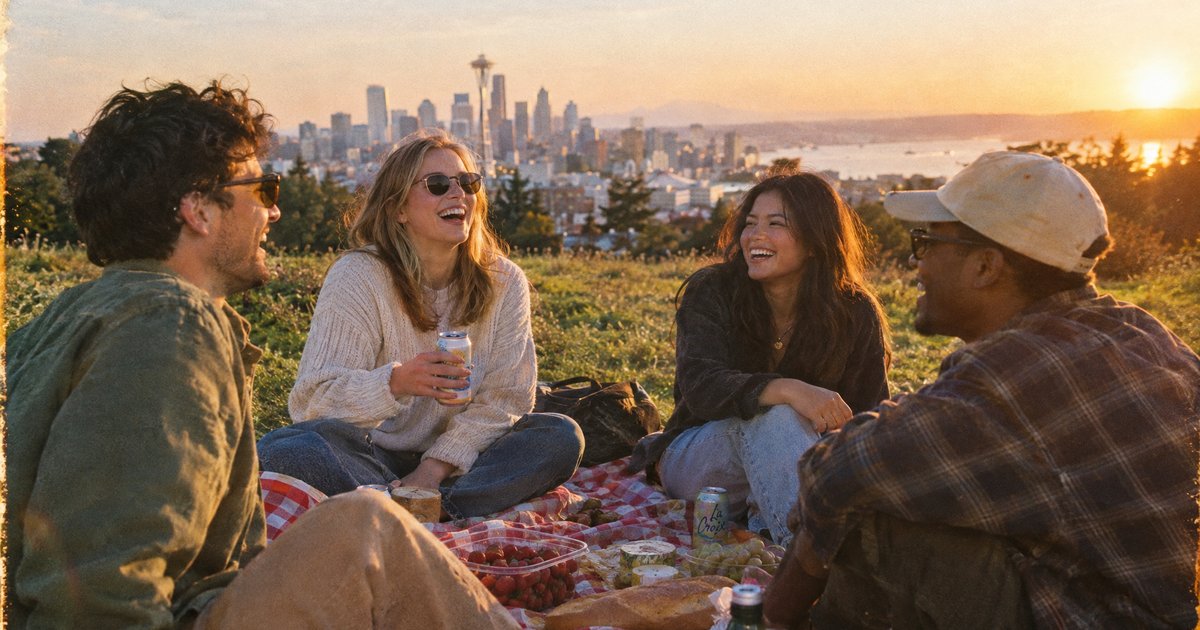
- Candid, photographic scenes. The picnic frame below has four believable faces, real golden-hour haze and a film grain that does not look pasted on.
- Social graphics with type. The market poster below set "Weekend Market" and "Saturday 9am" correctly in hand-drawn lettering surrounded by illustrated produce.
- Flat lays and still life. Soft window light, fabric texture and handwriting in a notebook all held up at 4:5.
- Volume. At 16 to 21 seconds a shot you can run a dozen variations and pick, which is the whole argument for Flare over Sunburst.
- Editing an attached image. It made the requested change in our edit test, though it also repainted part of the background artwork; see the comparison further down.
ChatGPT Images 2.5 Flare specs on this site
Credit prices are fixed per resolution, so the cost of an image does not change with the prompt.
| Spec | Value here |
|---|---|
| Vendor | OpenAI |
| Resolutions | 1K, 2K, 4K |
| Credits per image | 30 at 1K, 40 at 2K, 75 at 4K |
| Aspect ratios | 15: 1:1, 4:5, 3:4, 2:3, 9:16, 5:4, 4:3, 3:2, 16:9, 21:9, 2:1, 1:2, 3:1, 1:3, 9:21 |
| Reference images | Up to 16 |
| Image editing | Yes, attach one or more references |
| Speed in our tests | 16 to 21 seconds at 1K and 2K, about 3 minutes at 4K |
| Best for | Social content, everyday high-quality images, batches |
Sample images made with Flare
Generated on this site with the model set to Flare, unedited. Press Try it to load a prompt above.
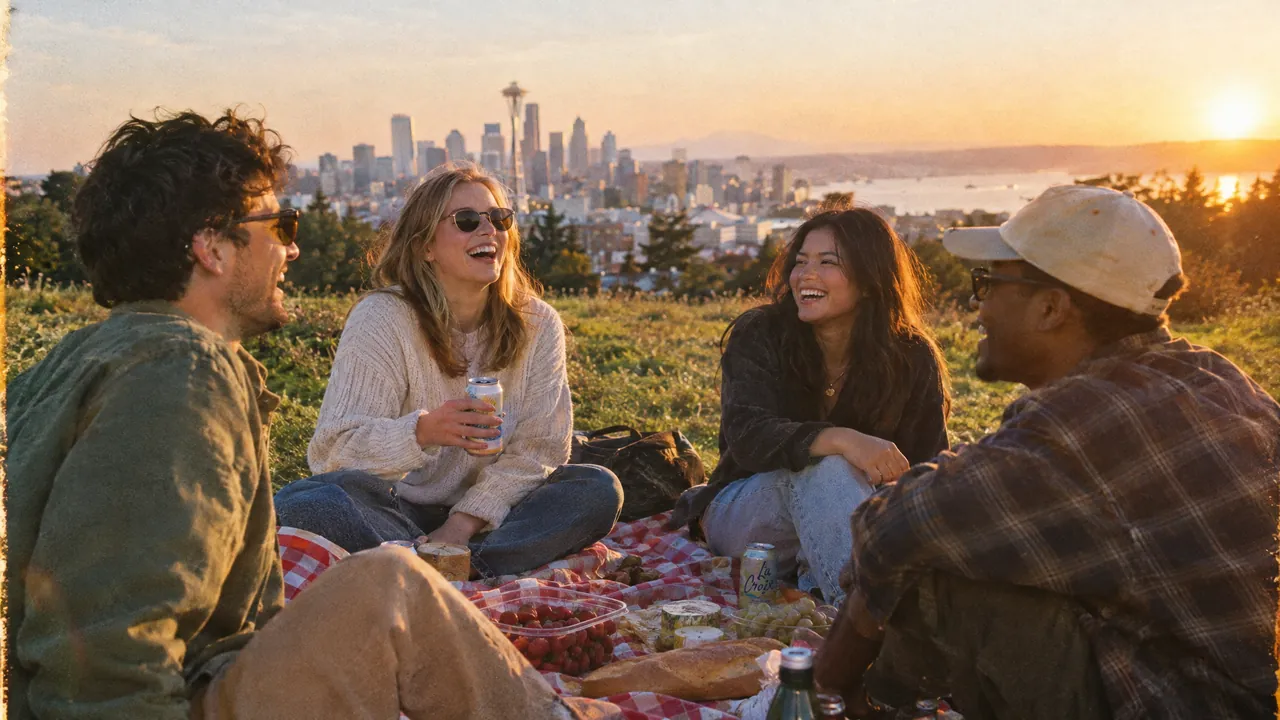
A bright candid lifestyle photo of four friends having a picnic on a grassy hill at golden hour, a city skyline in the distance, checkered blanket, laughter, 35mm film look.
ChatGPT Images 2.5 Flare · 16:9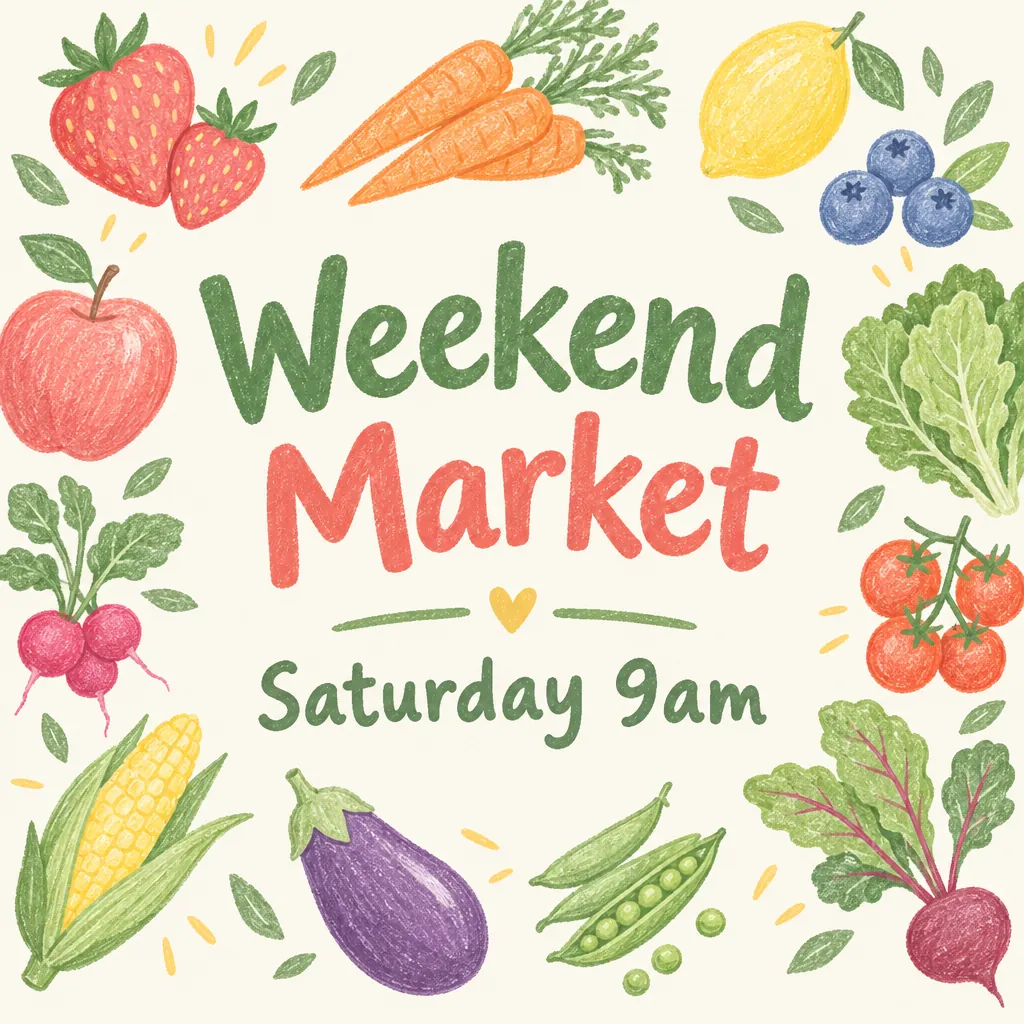
A social media post graphic announcing 'Weekend Market' with the line 'Saturday 9am' underneath, surrounded by hand-drawn fruit and vegetable illustrations in pastel colors, every word spelled exactly as written.
ChatGPT Images 2.5 Flare · 1:1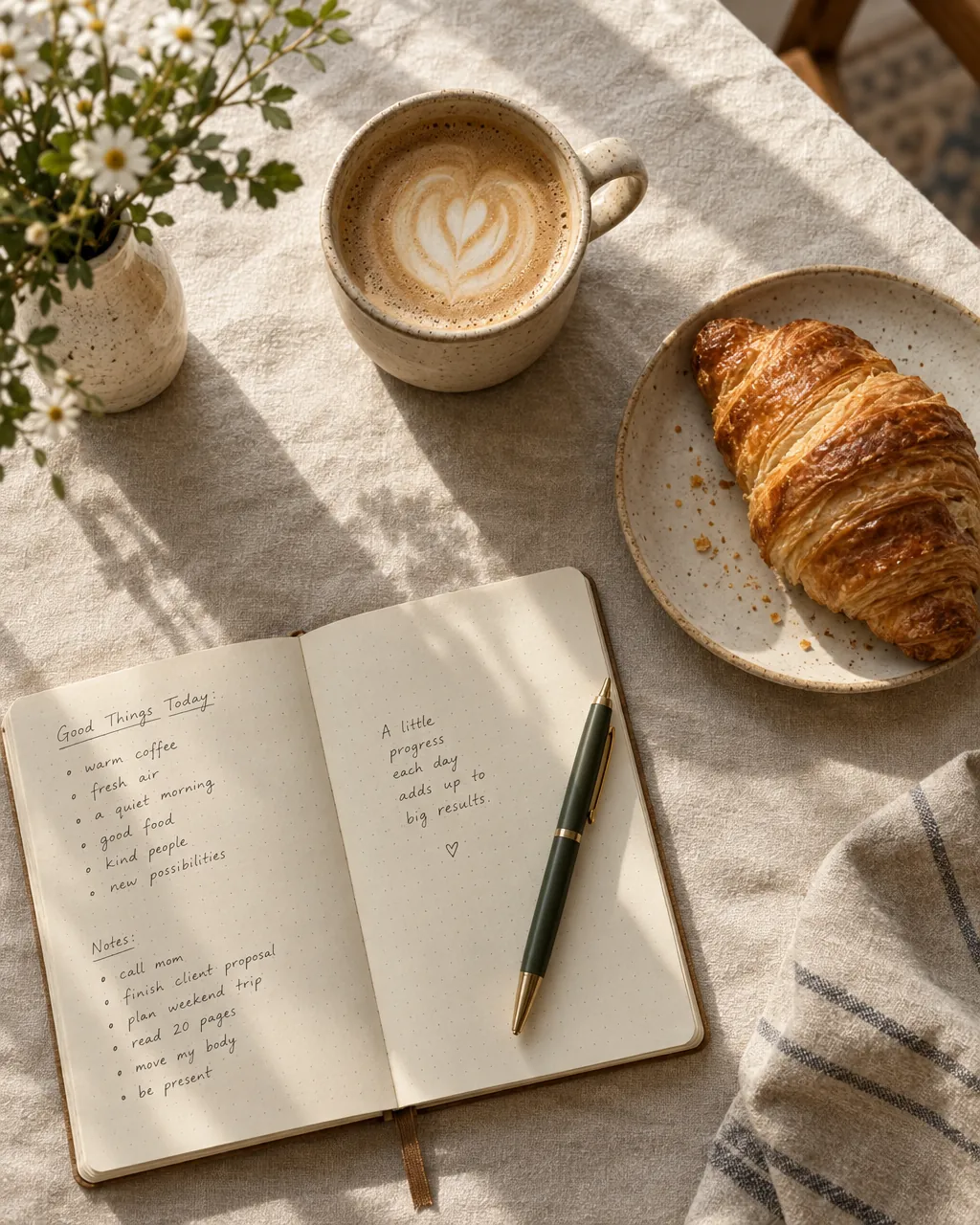
A cozy overhead flat lay of a ceramic mug of latte, a croissant and an open notebook with a pen on a linen tablecloth, soft morning window light, warm tones.
ChatGPT Images 2.5 Flare · 4:5
How to use ChatGPT Images 2.5 Flare on this page
- Write the prompt in the box above. The model is already set to Flare, so you only need to press Generate.
- Stay at 1K while you explore. 30 credits a shot, and the composition you choose will survive the jump to 2K.
- Avoid 4K unless you need it. A 4K image took about 3 minutes in our test and costs 75 credits; 2K at 40 covers most uses.
- To edit, press Reference, upload the image and describe only the change. Leave the ratio on auto to keep the input shape.
- Failed or refused jobs are refunded automatically, so a re-roll only costs you the credits of the images you actually get.
New accounts get 20 free credits valid for 7 days. Plans and packs are on the pricing page; the full picker is on the models page.
ChatGPT Images 2.5 Flare vs Nano Banana 2.1
The same prompt at 4:3, and the same edit instruction on the same source image, one call each on this site.
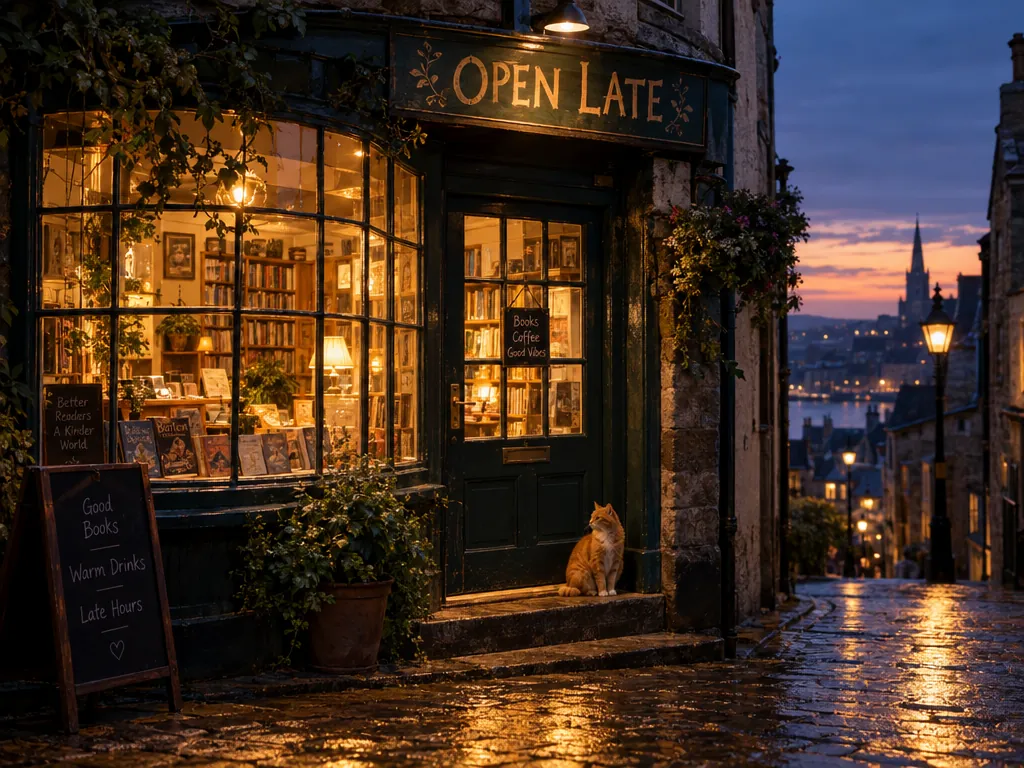
ChatGPT Images 2.5 Flare
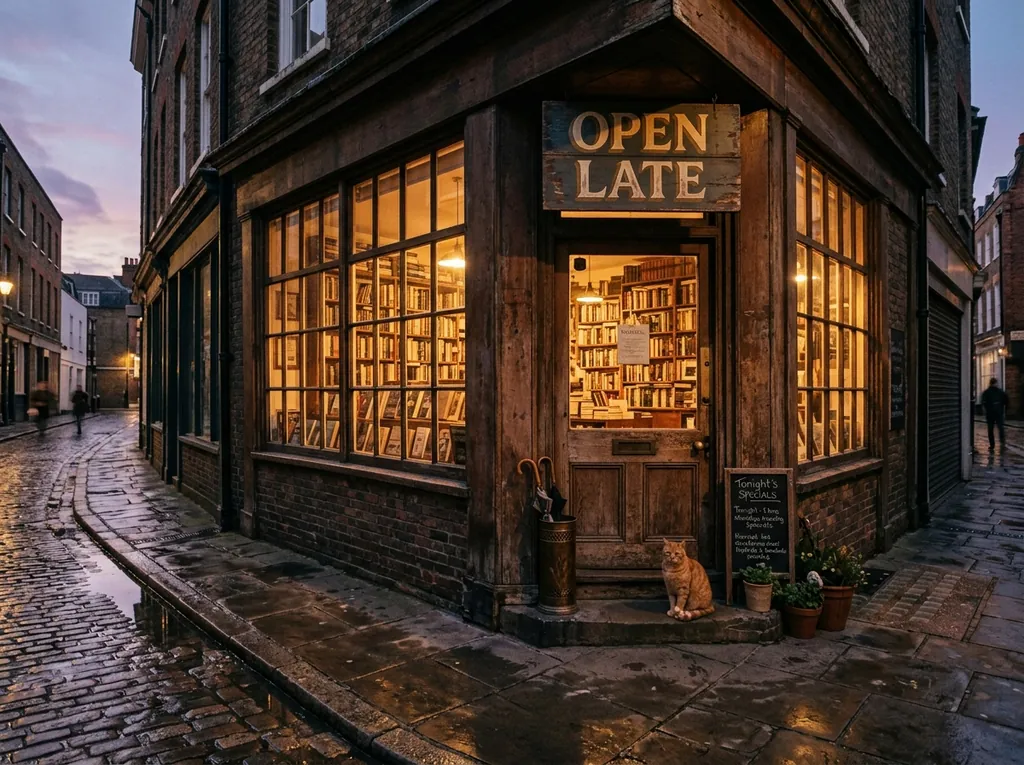
Nano Banana 2.1
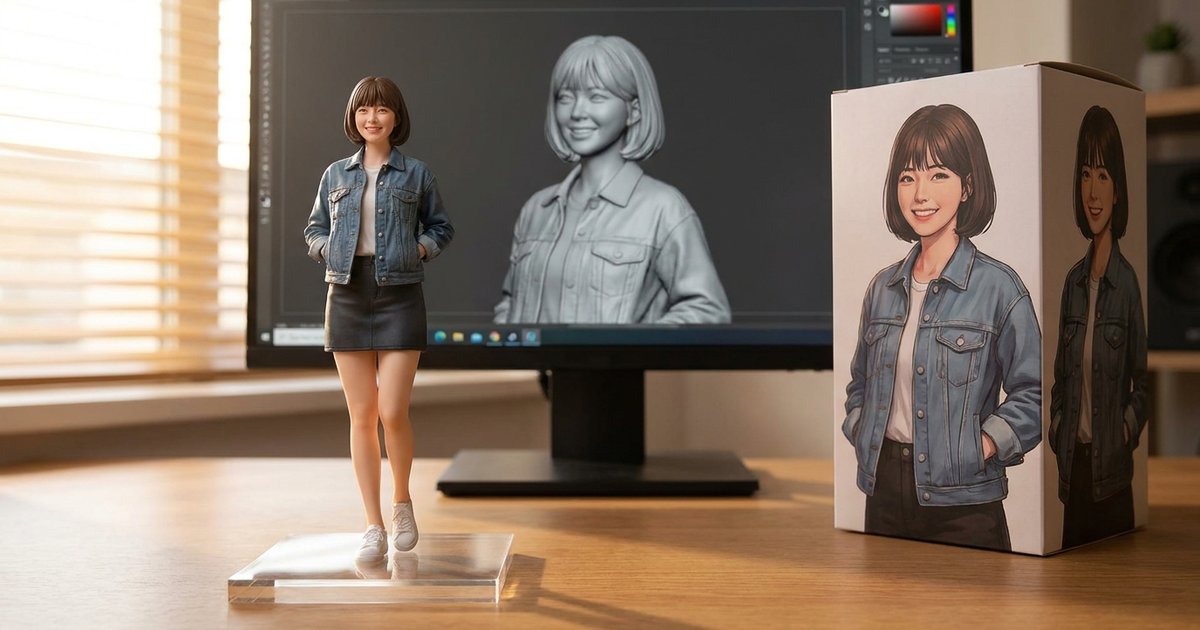
Source
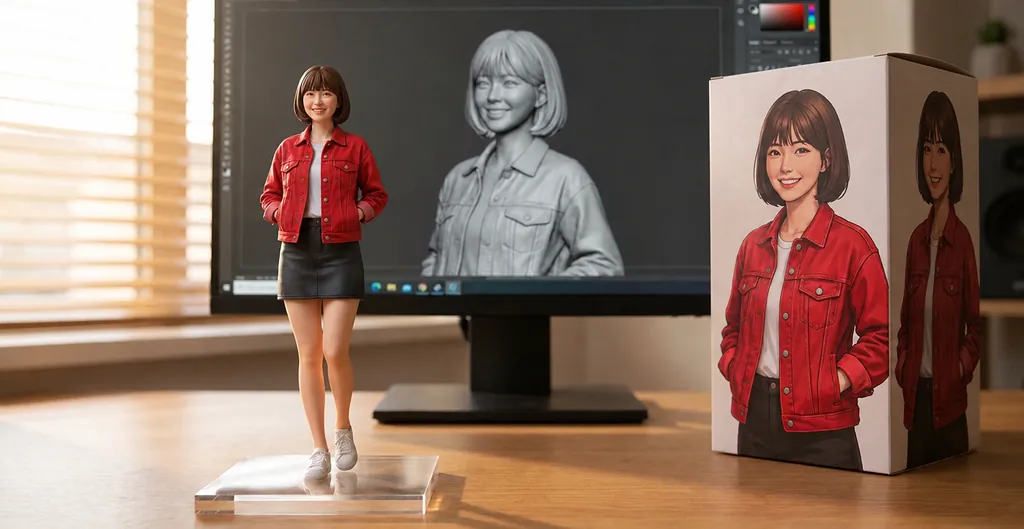
ChatGPT Images 2.5 Flare result
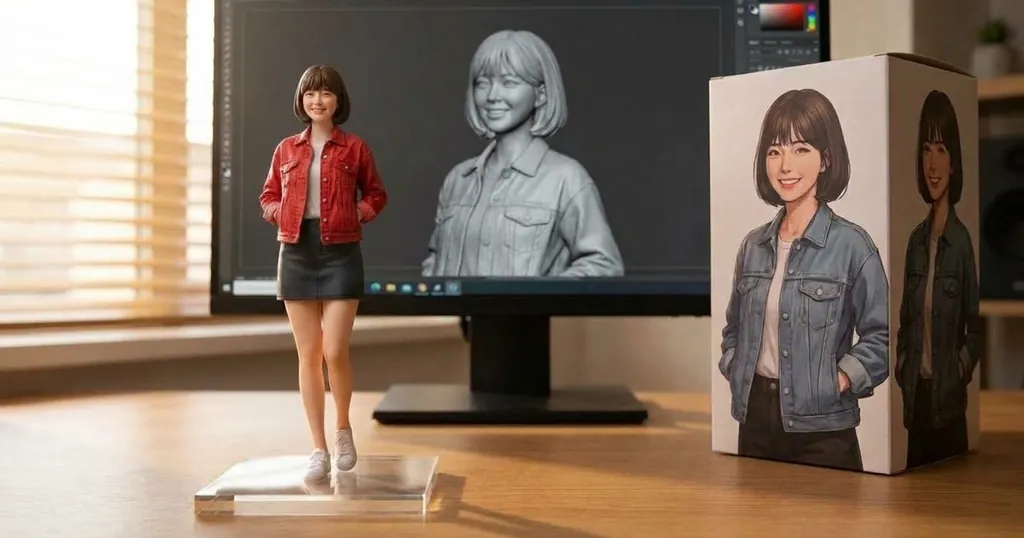
Nano Banana 2.1 result
When to pick Flare and when to pick something else
- Pick Flare for drafts, social posts and anything where you want several takes. It is the fastest of the three OpenAI models here.
- Pick Sunburst for the final frame and for edits that must not touch the rest of the image. Same price, about twice the wait in our tests.
- Pick GPT Image 2 when 30 credits is more than the shot deserves: it runs the same 15 ratios at 10 credits for 1K, slower but much cheaper.
- Pick Nano Banana 2.1 (20 credits at 1K, the site default) for the wider, more photographic reading of a scene and for 4K at 30 credits instead of 75.
Prompt tips for ChatGPT Images 2.5 Flare
- Name the film look. "35mm film look", "soft morning window light" and "warm tones" moved the three samples above more than any style keyword.
- Put headline text in quotes and add "every word spelled exactly as written". Short lines survive; paragraphs do not.
- Describe people as a situation, not a list. "Four friends laughing on a hill at golden hour" beats four separate descriptions of four people.
- On edits, say what stays. Flare drifts further from the source than Sunburst does, so spell out everything that must be identical.
- Re-roll, then refine. At 16 to 21 seconds it is cheaper in time to generate three and pick than to rewrite the prompt twice. More patterns are in the Nano Banana 2.1 prompts guide.
Mask-based inpainting, transparent backgrounds and the other quality levels are available in the vendor API, not in this generator, which sends one image per job at the high quality setting.
Independence, trademarks and your images
nanobanana21.app is an independent image studio. We are not affiliated with, endorsed by or connected to OpenAI. ChatGPT, GPT Image and every other model name on this page are trademarks of their respective owners, used here only to identify which model runs a job.
Your prompts, uploads and results stay in your private library and are not shown publicly. Images you generate here are yours to use under our terms, including commercial work. The model itself is run by its vendor, so check that vendor’s own usage policy for your particular case, especially for brand assets, likenesses and anything you plan to resell.
FAQ
What is ChatGPT Images 2.5 Flare?
It is the faster of OpenAI’s two GPT Image 2.5 models. The vendor recommends it for social content, product images, rapid prototypes and batch generation, and points to Sunburst when editing precision matters more than speed.
How much does a Flare image cost here?
30 credits at 1K, 40 at 2K and 75 at 4K, fixed per resolution. Editing an attached image costs the same as generating one.
How fast is it really?
In our tests on this site, 16 to 21 seconds at 1K and 2K, and about 3 minutes at 4K. Those are measurements from single calls on one day, not a service guarantee.
Is Flare better than Sunburst?
Neither is better across the board, and they cost the same. Flare is roughly twice as fast in our tests; Sunburst held the unedited parts of an image better in our edit test. Try the same prompt on both and keep the one you prefer.
How many reference images can I attach?
Up to 16, matching the vendor limit. Attaching any reference puts the job into editing mode.
Which resolutions and ratios are available?
1K, 2K and 4K, in 15 ratios: 1:1, 4:5, 3:4, 2:3, 9:16, 5:4, 4:3, 3:2, 16:9, 21:9, 2:1, 1:2, 3:1, 1:3 and 9:21.
Can I try it with free credits?
New accounts get 20 free credits valid for 7 days. A 1K Flare image is 30, so use the free credits on a cheaper model first or top up on the pricing page.
Can I use the images commercially?
Images you generate here are yours to use under our terms, including commercial work. The model itself is run by its vendor, so check that vendor’s own usage policy for your particular case, especially for brand assets, likenesses and anything you plan to resell.